Bitwarden Brings Native Passkeys to Windows and Mac
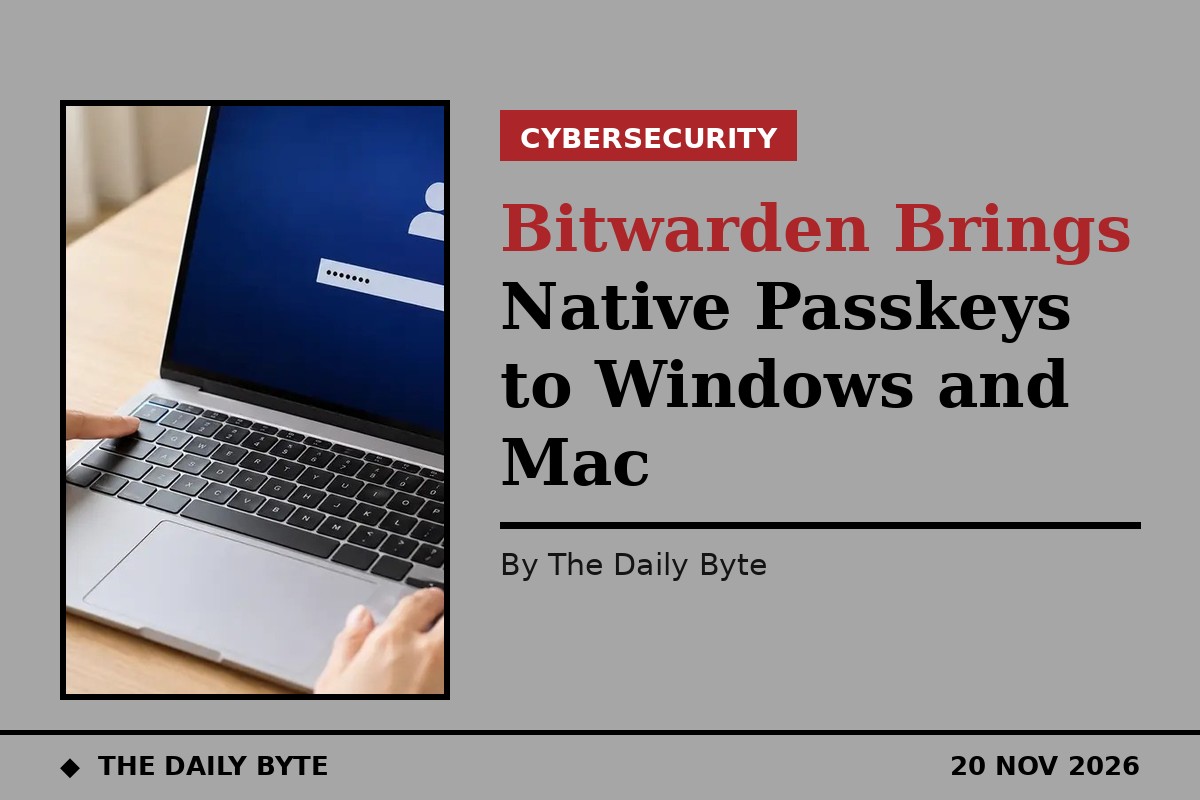
Bitwarden has expanded its passkey support across Windows and macOS, making it easier to sign in to the password manager and to use passkeys stored in its vault through the operating system's own login prompts. The changes were announced on 19 November.
Users on compatible Windows and Mac devices can now log in to Bitwarden and unlock their vaults using a passkey verified through Windows Hello or Apple Touch ID. Once the vault is set up for encryption with that passkey, the login can be completed without entering an email address, a master password or a two-step login code. The workflow uses the WebAuthn PRF extension so the passkey can both authenticate the user and decrypt the vault, while Bitwarden's zero-knowledge, end-to-end encryption is maintained. Both the browser and the authenticator must support PRF for this to work.
Passkeys move beyond the browser
The second change makes native passkey integration for desktop operating systems generally available on Windows 11 and macOS. Through the Bitwarden desktop application, users can select Bitwarden as a passkey provider directly inside the operating system's authentication prompts when creating or using a passkey. Those credentials stay encrypted in the Bitwarden vault and sync across devices.
That matters because it takes passkeys stored in Bitwarden into places the browser extension cannot reach. Users can sign in to supported websites without the extension installed, and authenticate into compatible desktop applications using passkeys they already hold. The Windows 11 capability was first introduced in beta in November 2025; the macOS integration is new alongside it. On Windows 11, the integration requires the Microsoft Store version of the Bitwarden desktop app.
Requirements and limits
Passkey login and vault unlock, including with Windows Hello and Touch ID, are available in the Bitwarden web app and browser extension on compatible Windows and Mac devices using supported Chromium-based browsers, such as Chrome and Edge. Initial setup still requires a master password and a compatible passkey configured for vault encryption, and organisations using single sign-on need a compatible configuration for passkey login.
There are limits to know before switching. A Bitwarden account can hold up to five passkeys for login, and a passkey used to log in cannot also serve as the second factor on authenticators such as Windows Hello that refuse to use one credential for both steps. The new features build on Bitwarden's existing passkey capabilities, including passkey management, passkeys for two-step login and signing in to Windows devices with passkeys in Microsoft Entra ID environments.
For users, the practical effect is less friction on the path to passwordless sign-in. Passkeys resist phishing in a way passwords cannot, because the credential never leaves the device and cannot be typed into a fake login page. By letting the operating system itself offer Bitwarden passkeys at the point of sign-in, the update removes one more reason to fall back to a password.