Canva adds off switch for generative AI
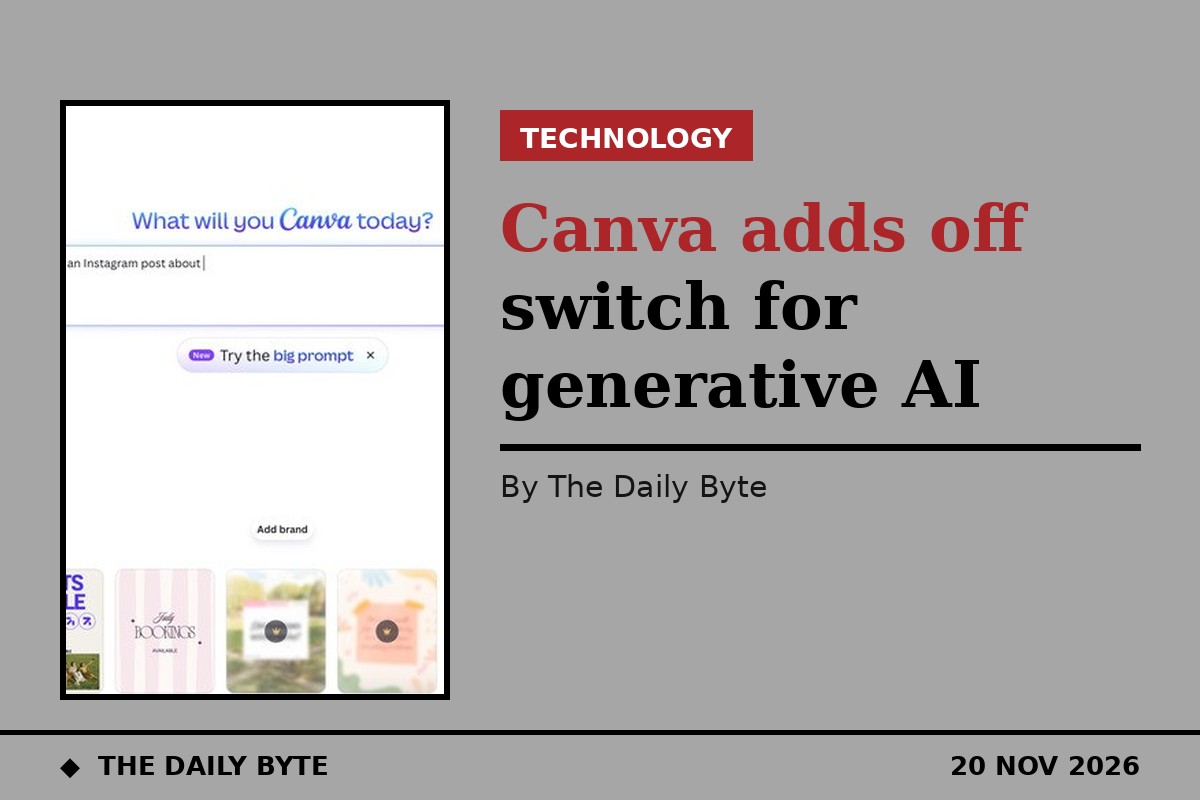
Canva has added an off switch for its generative AI tools, giving users the choice to strip most AI features out of the design platform — and to see less AI-made content in its library.
The Australian design company announced two new controls on 19 November, both available at no extra cost to users on its Free and Pro plans. The move follows growing pushback from users who want more control over how AI is built into the apps they use, if at all.
How the switches work
The first control is a single switch to turn supported generative AI features on or off across Canva. It sits under Profile, then Settings, then Permissions, labelled "Enable generative AI features". When it is off, those features are hidden across Canva, and the switch can be turned back on at any time.
The second control reduces the amount of AI-generated content a user sees while browsing Canva's library. It is found under Profile, then Your account, then AI personalization, where users can choose to show less AI-generated content. Canva says the setting reduces how often AI-generated templates and elements appear in search results and recommendations, rather than blocking them entirely, and it does not change any designs a user has already made.
Canva said a small part of its library is AI-generated content made by the company itself, including some abstract backgrounds and illustrated graphics, and that its community had asked for an easier way to find design assets made by real people.
What stays on
The off switch does not remove every trace of AI. Background Remover, one of Canva's most popular tools, and Magic Grab, which lets a creator select an object in a photo and move it somewhere else in a design, both remain available when the generative AI switch is off.
Canva says that is because those tools work only with what is already in a design and create nothing new, and they do not add the AI label the company reserves for AI-generated content to a design's metadata.
Why Canva is doing it
Canva framed the change as a question of choice rather than a judgement about AI itself. "The future of creativity isn't a choice between AI and no AI," the company said, adding: "It's not our place to tell anyone how to create, so today we're launching two new controls that put that decision firmly with our community."
The new controls extend AI permissions that administrators of Business, Enterprise, Teams and Education accounts already had, letting them manage how their teams use AI, to individual users on Free and Pro plans. Existing designs are unaffected: turning the switch off hides the tools but does not delete anything a user has already created with them.
For designers who have watched generative AI spread through every creative tool, Canva's move is a notable concession — an admission that some users would rather create without it, and that the choice should be theirs.
Sources: Engadget; 9to5Mac.