Copilot to tidy your Windows 11 files for you
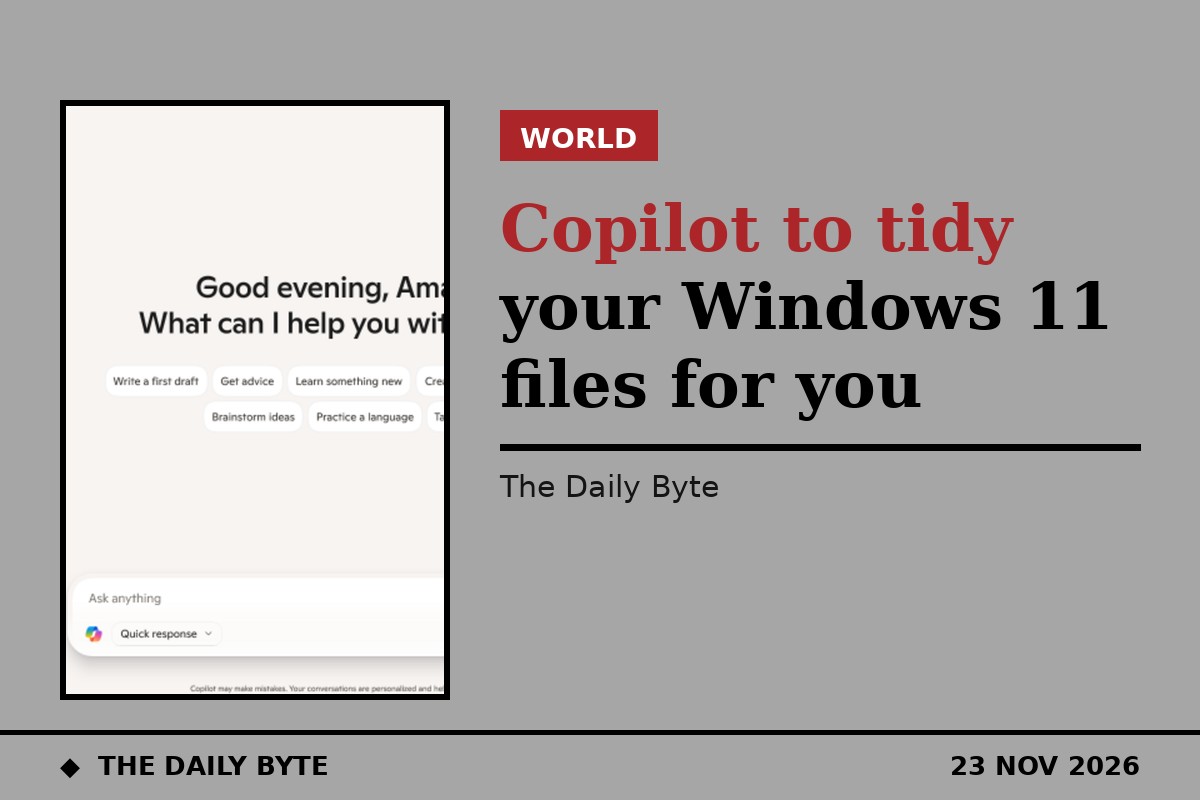
Microsoft's Copilot will soon be able to dig through the files on your Windows 11 computer and tidy them up for you, moving, renaming and organising documents in plain language. Microsoft confirmed the feature, called local file actions, at its Ignite 2026 conference on 17 November 2026.
According to Neowin, which reported on the announcement, users will be able to ask Copilot to manage local files using natural language, for example telling it to sort out a cluttered Downloads folder. Copilot will also be able to use local context, meaning information about open files and running applications, and to run read-only diagnostics to help identify common problems such as Bluetooth audio faults or slow network connections.
How it works
The feature is part of Microsoft's Hybrid Intelligence plan, first outlined on 7 October 2026, which mixes models running on the PC with cloud AI so each task runs where it makes most sense. Windows Latest, reporting on Microsoft's demo, said Copilot first asks for permission, checks the applicable policies, and then scans folders such as Downloads and OneDrive to find the files requested.
Permission is requested every session. There is no always-allow setting, so access must be granted again each time Copilot is asked to touch local files. Actions are listed and reversible through Undo. In Microsoft's demo, Copilot decided for itself which files counted as analyst reports and moved them, which shows the feature still needs a careful eye from the user.
When it arrives
Microsoft has not given a release date. The company says local file actions, local context and diagnostics are coming soon to Copilot+ PCs, the Windows PCs built with a neural processing unit for running AI tasks locally. It has not said whether other Windows 11 PCs will get the feature, and no Windows build number or version has been named.
The move takes Copilot from answering questions into acting directly on a user's own files, the same direction rivals such as OpenAI and Anthropic have taken with their computer-use agents. The difference is that Microsoft is building it into Windows itself, with permission prompts at every step.
Frequently asked questions
Can Copilot organise my Downloads folder today? No. Microsoft announced local file actions at Ignite on 17 November 2026 and says they are coming soon to Copilot+ PCs. There is no setting to switch on yet.
Does Copilot get permanent access to my files? No. The feature must be switched on in the Copilot app, and permission is requested every session, with no always-allow option.
What can Copilot do with local files? Find, organise, move, copy and rename files from a plain-language request, and use local context to edit documents or code. It can also run read-only diagnostics to explain common PC problems, though Microsoft has not said it will fix them automatically.
Which PCs will get it? Microsoft has named Copilot+ PCs only. It has not confirmed whether other Windows 11 PCs will receive the feature.
Published 23 November 2026. Sources: Neowin, 17 November 2026; Windows Latest, 21 November 2026.