CVE-2026-104904: Shortcodes Ultimate WordPress Flaw
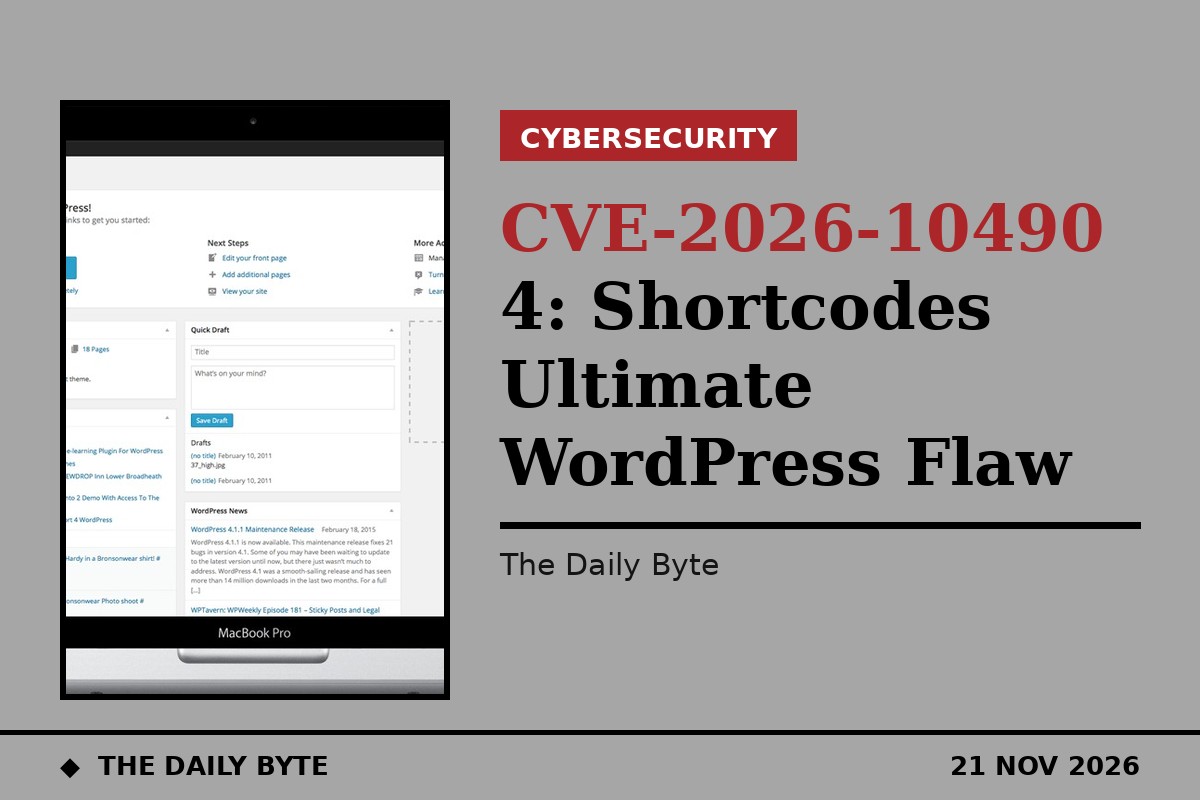
A critical flaw in the Shortcodes Ultimate plugin for WordPress could let an attacker with no login at all include files on a victim's site and read private post data. The vulnerability, tracked as CVE-2026-104904, was disclosed on 21 November, and site owners running the plugin are being urged to update to version 7.9.2.
Shortcodes Ultimate is one of the most widely used WordPress plugins, with more than 400,000 active installations. It lets site owners add buttons, boxes, sliders, QR codes and other formatted content to pages using shortcodes, small bracketed tags placed in the page text. Because it is installed on so many sites, a flaw that needs no authentication is a serious matter for the WordPress ecosystem.
How the flaw works
The problem sits in a function called su_get_current_url, which builds the address of the page currently being viewed. It takes the raw Host header sent by a visitor's browser and inserts it directly into the authority part of a web address, which is then passed through WordPress's esc_url cleaning function. That function deliberately preserves square brackets in the host section so that IPv6 addresses remain valid, and the attacker can use that behaviour to smuggle crafted characters past the filter.
The crafted value then flows into the plugin's QR code shortcode, [su_qrcode], which substitutes a documented %CURRENT_URL% token into a data attribute before the result is processed again by WordPress's shortcode system. The combination makes it possible for an unauthenticated remote attacker to include arbitrary PHP files that sit inside the active theme's root directory. When the plugin's shipped-default Unsafe features option is left switched on, the attacker can also read arbitrary post metadata from any post on any front-end page that renders the vulnerable shortcode. No login is needed, and the attack can be launched remotely.
What is affected and what to do
All versions of Shortcodes Ultimate up to and including 7.9.1 are affected. The fix is to update the plugin to version 7.9.2 or later, where the input validation has been tightened. Site owners who cannot update immediately should switch off the Unsafe features option in the plugin's settings, although that alone may not close every route to the file inclusion flaw. Web application firewall rules that flag unusual Host headers, such as encoded slashes or unexpected bracket use, can add a layer of defence while patching is under way.
There is no public exploit for the flaw, and no exploitation in the wild has been reported. The vulnerability was assigned to the Wordfence team as the numbering authority, and the disclosure was published on 21 November, the same day the CVE record appeared. The weakness is classed as path traversal, and the wider analysis also links it to code injection and the exposure of sensitive information to unauthorised users.
A familiar pattern for WordPress sites
Shortcodes Ultimate has a long history of disclosed security issues, with 39 publicly recorded vulnerabilities, most of them cross-site scripting flaws, and this is the second serious flaw in the plugin to surface in this disclosure round. The case is a reminder of how much of the web depends on a small number of popular plugins, and how a single overlooked input, in this case a Host header that most developers would assume is harmless, can open a path to a site's files.
For site owners, the practical steps are straightforward: check the installed version of Shortcodes Ultimate in the WordPress dashboard, update to 7.9.2 or later, and turn off the Unsafe features option if it is not needed. Sites that use the QR code shortcode with the current-page token should be checked first, since those are the pages where the flaw can be reached. As with every plugin flaw of this kind, the window between disclosure and mass scanning is short, so the update should not wait.