CVE-2026-120539: BuddyPress Flaw Allows Remote Code
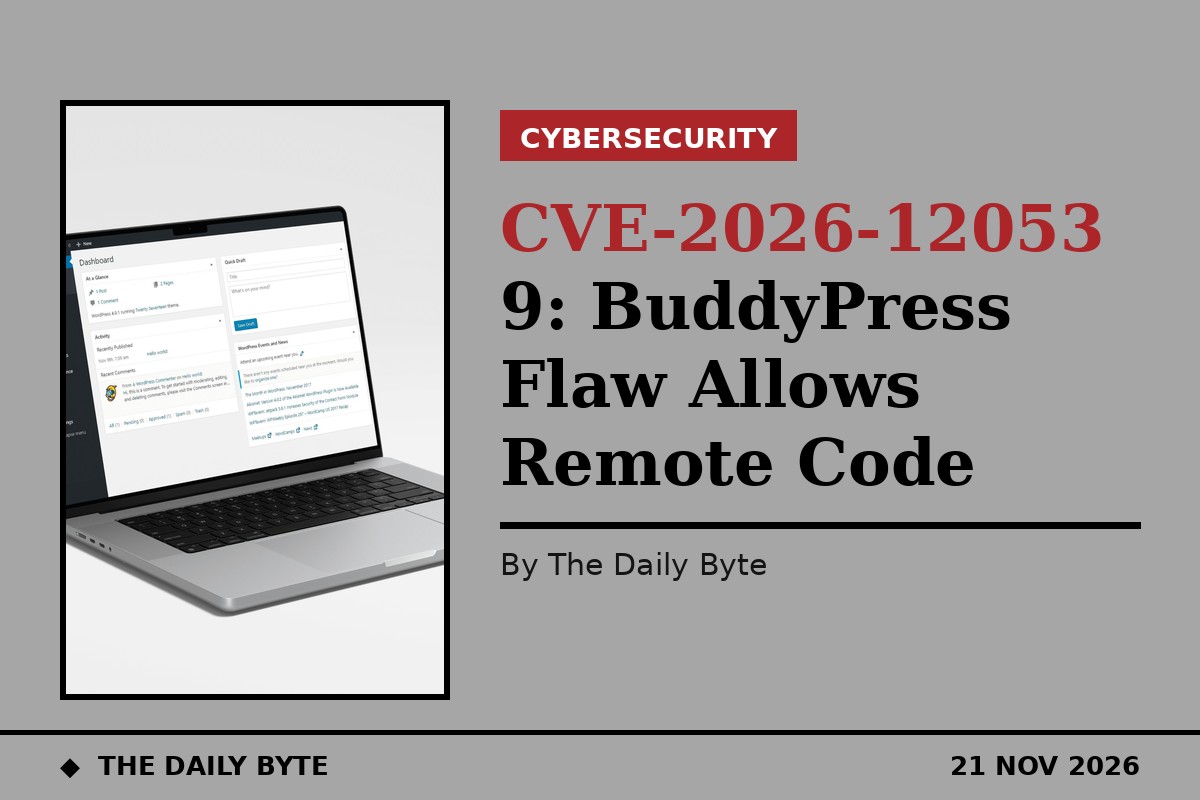
A critical flaw in a WordPress plugin lets attackers run their own code on a website without logging in, using a single crafted web address. The vulnerability, tracked as CVE-2026-120539 and scored 9.8 out of 10, affects the Restrictions for BuddyPress plugin in all versions up to and including 1.5.4.
The flaw was published on 20 November 2026. It sits in the way the plugin handles the address of an incoming request. According to the vulnerability description, the plugin takes part of the request address supplied by a visitor and splices it into a PHP expression inside a double-quoted string, which it then evaluates with the eval() function. Because PHP expands expressions inside double-quoted strings, a payload shaped like {${...}} in the URL path is executed as code while the string is being built, before any check on whether the visitor is logged in.
That combination makes the attack unusually simple. No account, password or special plugin setting is needed, and the vulnerable checks are switched on by default. An attacker only needs to send one specially formed GET request to a site running the plugin, and the server will run the attacker's code.
How the flaw works
The vulnerable code runs before WordPress checks whether a visitor is signed in, so the login screen offers no protection. The plugin's conditions are evaluated as soon as a request arrives, and the request address is under the attacker's full control. WordPress normally adds slashes to incoming data to neutralise quotes, but that defence does not help here, because the payload does not need to break out of a quote: the expression is executed during string interpolation itself.
Two other plugins must also be active on the site for the flaw to be reachable: BuddyPress itself, which adds community features such as profiles and groups to WordPress, and Paid Memberships Pro, the membership plugin the restrictions tool integrates with. Sites running Restrictions for BuddyPress without either of those companions are not exposed through this route, but any site with all three active is vulnerable in its default configuration.
Once code execution is achieved, an attacker can do whatever the web server process can do. In practice that can mean installing a backdoor, defacing pages, stealing data from the site's database, or using the server to attack other systems. Security researchers rate flaws of this kind among the most dangerous for WordPress sites precisely because they need no credentials and leave the attacker in full control.
Who is affected
The plugin is made by Seventhqueen and is used by sites that want to restrict parts of a BuddyPress community to paying members. The vulnerability was assigned by Wordfence, the WordPress security firm, which published the advisory alongside the CVE record. The flaw is not listed in CISA's Known Exploited Vulnerabilities catalogue, and no exploitation in the wild has been reported so far.
That does not mean site owners can wait. Critical WordPress flaws with public descriptions are routinely probed within days of disclosure, and the simplicity of this one, a single GET request, makes it easy for automated scanners to test large numbers of sites at once.
What site owners should do
The vendor has published version 1.5.5 of the plugin, whose release notes describe a fix for unauthenticated PHP code injection. Site owners should update the Restrictions for BuddyPress plugin to 1.5.5 or later as soon as possible, and make sure BuddyPress and Paid Memberships Pro are also up to date.
If an update cannot be applied immediately, the safest step is to deactivate the Restrictions for BuddyPress plugin until it can be patched. Administrators should also check their sites for signs of compromise, including unfamiliar administrator accounts, unexpected files, and recently modified plugin or theme files. Any site that was running a vulnerable version with BuddyPress and Paid Memberships Pro active should be treated as potentially probed, even if nothing looks wrong, because code execution can leave a hidden backdoor behind.
WordPress site owners can check which version they are running from the Plugins screen in the admin dashboard. Automatic updates, where enabled, will install the fixed release without further action.