How Does the Internet Work?
The internet works by chopping everything you send or receive into small pieces called packets, labelling each packet with the address of its destination, and passing those packets from router to router across a global web of cables until they arrive and are put back together in the right order. Every device on the network has an address, a system called DNS turns website names into those addresses, and a shared set of rules called protocols makes sure computers built by different companies in different countries can all understand each other. There is no single machine in charge: the internet is tens of thousands of independent networks that have agreed to exchange traffic with each other.
This explainer follows a single click from your phone to a website and back, explains the cables under the sea, the packets, the addresses, the phone-book system, the rules that keep data reliable, who actually runs the whole thing, and how the internet differs from the web. Nothing here needs a technical background: the ideas are simple, and the engineering is what makes them work at the scale of billions of people.
What is the internet, physically?
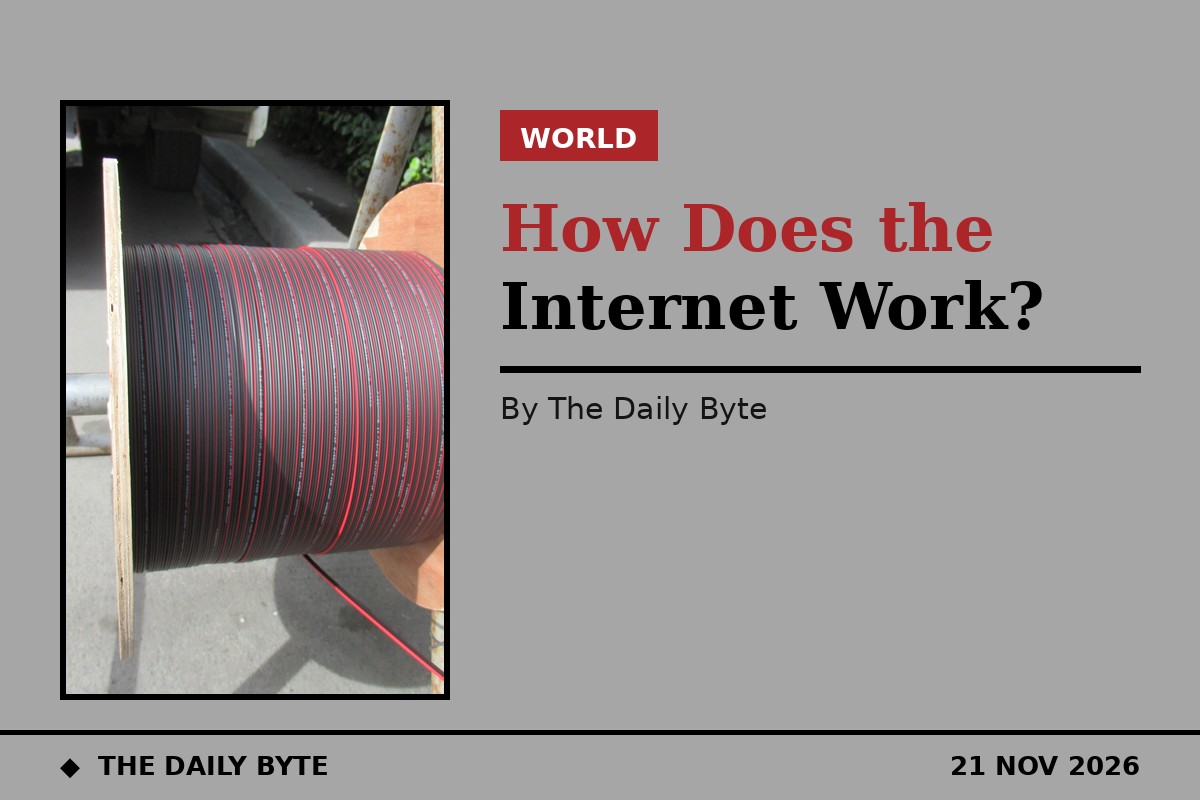
Strip away the apps and the screens and the internet is physical stuff: cables, radio links, routers and servers. Your home router connects over copper, coaxial cable or fibre to your internet service provider. The provider's network connects onward through fibre-optic cables, including cables laid across the ocean floor, to data centres and internet exchange points where networks meet. The research firm TeleGeography tracks more than 600 active and planned submarine cable systems as of 2026, and satellites carry only a tiny fraction of international traffic, so almost everything you do online travels through glass fibres under land and sea. Inside those fibres, data moves as pulses of light, at close to the speed of light.
A router is a specialised computer whose only job is forwarding packets: it reads the destination address on each packet and sends it one step closer to where it needs to go, the way a sorting office passes a letter to the next town. A server is an ordinary computer, usually one of thousands in a data centre, that stores websites and files and sends them out when asked. Your phone, laptop and television are the ends of the chain. Everything in between is infrastructure owned by thousands of different companies, universities and governments, and it all works together because every part of it follows the same rules.
How does data travel? It travels in packets
The internet does not send a file the way a pneumatic tube sends a capsule, all at once. It chops every file, email, photo and video frame into small pieces called packets. A typical packet carries up to about 1,500 bytes of data, plus a header containing the source address, the destination address and other control information. A 3 MB product photo therefore becomes roughly two thousand packets, each forwarded router by router from hop to hop, and a request from one side of the world to the other might cross fifteen or twenty routers on the way.
This is called packet switching, and it is the cleverest idea in the whole system. Packets from the same file can take different routes, and packets from many different people can share the same cables at the same time, in basically any order. If one route is congested or a cable fails, the routers simply send the packets another way, which is why the internet keeps working when parts of it break. At the far end, the receiving device reassembles the packets in the right order, using the sequence numbers in their headers, and the original file appears whole. Think of sending a book by post, one page per envelope: the envelopes can take different routes, and the person at the other end puts the pages back in order.
What is an IP address?
For packets to find their destination, every device on the internet needs an address, just like every house needs a postal address. That address is called an IP address, and it is a number such as 142.250.190.174. The older version of the system, IPv4, uses four numbers separated by dots, and it has room for about 4.3 billion addresses, which the world has now effectively used up. The newer version, IPv6, uses much longer addresses written in hexadecimal, and it has room for vastly more devices, which is why new networks increasingly run on it. Your home usually has one public IP address, shared by everything on your Wi-Fi, while each device also has a private address inside your home network.
An IP address does two jobs at once: it identifies a device, and it says where that device is on the network, because addresses are handed out in blocks that belong to particular networks and regions. That is how a router in London knows that a packet addressed to a server in Virginia should be sent west across the Atlantic, without needing a map of every computer on Earth. It only needs to know which direction the next network is.
What is DNS, the internet's phone book?
Nobody remembers IP addresses, so the internet has a phone book called the Domain Name System, or DNS. When you type a website name such as dailybyte.pk into your browser, your device asks a DNS server: what is the IP address for this name? The server looks it up and replies with the number, usually in a fraction of a second, and your device can then send its packets to the right place. Most people use the DNS server run by their broadband provider, while public alternatives include Google's 8.8.8.8 and Cloudflare's 1.1.1.1.
DNS was invented in 1983 by Paul Mockapetris, and it works as a hierarchy, so no single server has to know everything. A query starts at a root server, which points to the servers for the ending, such as .pk or .com, which point to the servers holding that domain's records. Your device also remembers recent answers for a while, which is why the second visit to a site often feels faster than the first. If DNS fails, a website effectively disappears even when its servers are perfectly healthy, which is why DNS outages make headlines.
What do TCP and UDP do?
Packets on their own are unreliable: they can arrive out of order, arrive twice, or not arrive at all. Two protocols sit on top of IP and decide how much reliability a connection needs. TCP, the Transmission Control Protocol, turns unreliable packets into a reliable, ordered stream. It opens each connection with a short handshake, numbers everything it sends, waits for acknowledgements, resends anything that goes missing, and slows down when the network is congested. That is what you want for a web page, an email or a file download, where every byte has to arrive intact.
UDP, the User Datagram Protocol, skips those guarantees. It fires packets off and does not wait to check they arrived, which suits live voice, video calls and online games, where a late packet is useless anyway: you would rather lose a fraction of a second of sound than wait for it to be resent. The choice between TCP and UDP is a trade-off between reliability and speed, and almost everything on the internet uses one or the other. The ARPANET, the internet's research predecessor, switched to TCP/IP on 1 January 1983, and the same core rules still run the network today.
Who runs the internet? Nobody, and everybody
There is no control centre for the internet. Instead, it is a distributed system made of tens of thousands of independently run networks, each called an autonomous system: your broadband provider, a mobile operator, a university, or a company such as Google, Microsoft or Cloudflare. These networks tell each other which addresses they can reach using a protocol called BGP, the Border Gateway Protocol, and they exchange traffic at internet exchange points or through paid transit agreements. If one network has a problem, traffic routes around it.
The shared rules themselves are agreed in public by engineers and organisations such as the Internet Engineering Task Force, and published as open documents called RFCs that anyone can read and implement. That openness is why a phone built in one country can talk to a server built in another without either side needing permission from a central authority. Governments regulate their own networks and providers, and companies own the cables and data centres, but nobody owns the internet as a whole, and no single switch can turn it off.
What is the difference between the internet and the web?
The internet is the roads; the web is one kind of traffic that travels on them. The internet is the network itself: the cables, routers and rules that move data. The World Wide Web is one application that uses the internet, invented by Tim Berners-Lee in 1989: websites and pages that a browser fetches using HTTP, the Hypertext Transfer Protocol, and displays for you. Email, video calls, online games, messaging apps and file sharing all use the same internet but are not the web.
When you visit a website, your browser asks the server for the page over HTTP, and the server sends back the files that make up the site: HTML for the structure, CSS for the styling, JavaScript for the interactivity, and images. Today almost all of that travels over HTTPS, where the S stands for secure: the connection is encrypted with TLS, so the networks in between can see where the packets are going but cannot read what is inside them. The padlock in your browser is the visible sign of that encryption.
A short history of the internet
The internet grew out of a specific problem in the late 1960s: how to connect different computers over unreliable links without a single point of failure. The first network, ARPANET, linked four American research computers in 1969, and it sent its first message, an attempt to log in remotely, between the University of California, Los Angeles and the Stanford Research Institute. Email followed in the early 1970s, TCP/IP became the standard in 1983, DNS arrived the same year, and the web in 1989 turned a researchers' network into something anyone could use. Commercial access spread through the 1990s, broadband and mobile data followed in the 2000s, and the network that began with four machines now connects billions of devices.
| Protocol | What it does | Where you meet it |
|---|---|---|
| IP | Addresses each packet and routes it toward its destination network | Every device online |
| TCP | Delivers packets reliably, in order, resending anything lost | Web pages, email, file downloads |
| UDP | Sends packets fast with no delivery guarantees | Video calls, live streams, online games |
| DNS | Turns website names into IP addresses | Every time you type a web address |
| HTTP / HTTPS | Fetches web pages; HTTPS adds encryption | Every website you open |
| BGP | Lets networks tell each other which addresses they can reach | Behind the scenes, between providers |
What happens when you open a website?
Put it all together and a single click is a small relay race. You type a website name and press Enter. Your device asks a DNS server for the site's IP address. Your request is split into packets and sent through your home router, over fibre to your provider, across the provider's backbone and, if needed, through a submarine cable to another continent. Routers pass each packet from network to network until they reach the server. The server sends the page back as packets, your browser reassembles them, and the page appears. The whole round trip usually takes well under a second, and it happens every time you load a page, send a message or start a video.
Frequently asked questions
Is the internet the same as Wi-Fi? No. Wi-Fi is only the short wireless link between your device and your router. Everything after the router, the fibre, the cables and the routers across the world, is the internet. Wi-Fi without an internet connection still lets your devices talk to each other at home, but it cannot reach the outside world.
Why does the internet slow down in the evening? Because it is shared. Your street, your provider's network and the cables between countries all carry more traffic in the evening, when everyone is streaming video, and the routers queue packets when demand exceeds capacity. TCP slows senders down when it detects congestion, which keeps the network working but makes everything feel slower.
Can the internet run out of addresses? IPv4 effectively has, which is why providers share addresses and why IPv6 exists. IPv6 has so many addresses that every device on Earth could have its own, and many of them, and most modern devices and networks already support it, even if you never see the long addresses yourself.
What happens if a submarine cable breaks? Traffic is rerouted around the break, usually automatically, because the network has many alternative paths. Repairs take longer: a specialist cable ship has to find the fault, haul the cable up from the sea bed, splice in a new section and lay it back down, which can take days or weeks. Cables are damaged more often than most people realise, by anchors, fishing trawlers and earthquakes, and the internet survives because it was designed to route around damage.
Who invented the internet? No single person did. It was built over decades by many engineers and researchers: Vint Cerf and Bob Kahn designed TCP/IP, Paul Mockapetris created DNS, Tim Berners-Lee invented the web, and thousands of others built the networks, cables and standards that connect them. The internet is a collective invention, which is also why no one person or company controls it.