How Does Wi-Fi Work? Explained
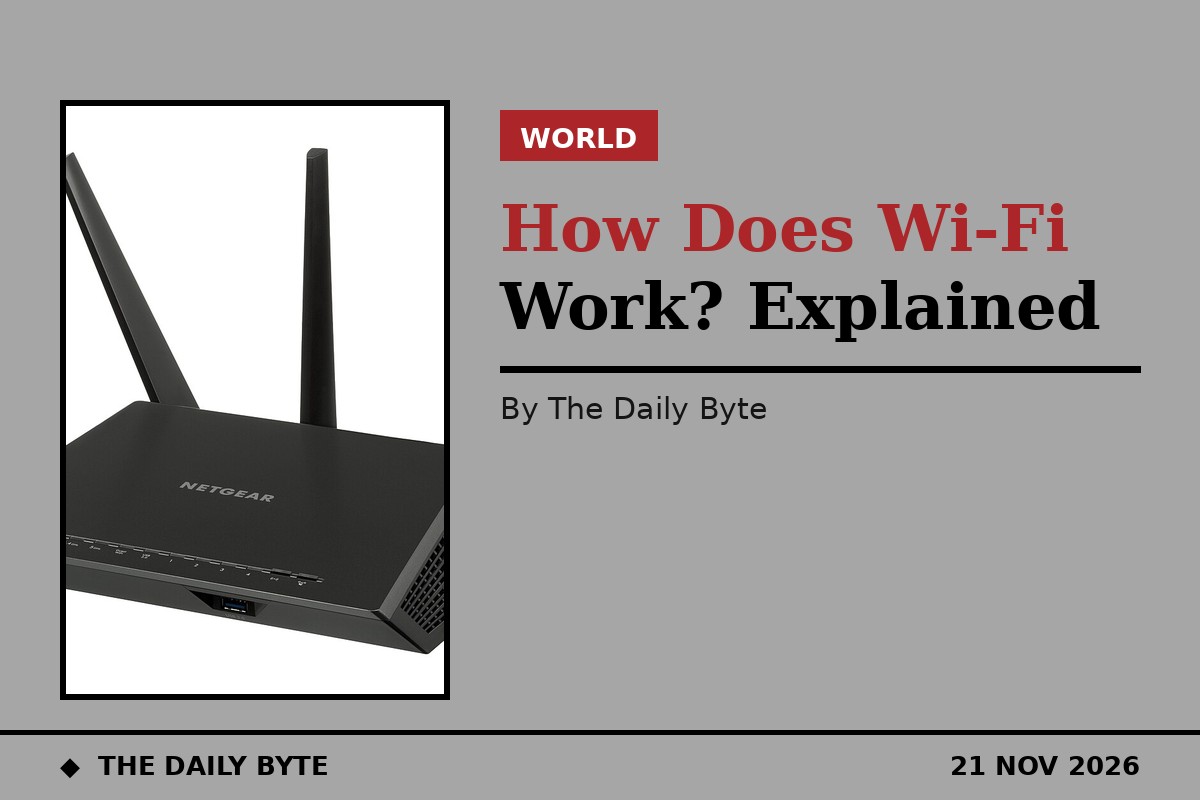
Wi-Fi works by turning data into radio waves. When you tap a link on your phone, the device's Wi-Fi chip converts your request into a radio signal and beams it through the air to your router. The router converts the signal back into data and sends it on through a wired connection, usually fibre or copper cable, to the internet. The reply comes back along the same path in reverse: down the cable to the router, out as radio waves, and into your device, which turns the waves back into the page, video or message you asked for. The whole exchange takes milliseconds, and it repeats for every piece of data you send or receive.
What Wi-Fi actually is
Wi-Fi is a family of wireless networking standards known formally as IEEE 802.11, after the working group of the Institute of Electrical and Electronics Engineers that writes them. The name Wi-Fi is a brand, created and managed by the Wi-Fi Alliance, the industry group that certifies that devices from different manufacturers work together. Contrary to a popular belief, it does not stand for wireless fidelity; it was chosen as a catchy, trademarkable name. The first version of the standard shipped in 1997 and carried data at just 2 megabits per second, slower than a single modern photograph takes to load. Today's standards are thousands of times faster, but the basic idea has never changed: two-way radio communication between a device and an access point.
A Wi-Fi radio is, in essence, a walkie-talkie for computers. Like any radio, it can both transmit and receive, and it converts the ones and zeros of digital data into radio waves and back again. What makes Wi-Fi different from an ordinary radio is that it follows the 802.11 rules for how devices take turns, how they encode data, and how they protect it, so that dozens of devices can share the same airwaves without drowning each other out.
The journey of a click
A home Wi-Fi network has three parts: your device, the access point, and the router. The access point is the radio your devices talk to; in most homes it is built into the router, while in offices and large houses it may be a separate box connected by cable. The router is the device that connects your local network to your internet provider: it gives each device a local address, and it translates between those local addresses and the single public address your provider gives you.
When you click a link, your device encodes the request as bits and modulates them onto a radio wave, changing the wave's shape in a pattern the receiver can decode. The router's antennas pick up the wave, recover the bits, and forward the request through the modem and the wired network to the server holding the page. The server's reply travels back the same way. Wi-Fi itself is only the first hop, the few metres between your device and the access point; everything beyond that travels over ordinary wired networking. That is why your internet can be down even when your Wi-Fi signal is full strength: the radio link is fine, but the wired connection behind it has failed.
The three radio bands: 2.4, 5 and 6 GHz
Wi-Fi uses radio bands that governments have set aside for unlicensed use, which means anyone can transmit on them without a licence, as long as devices stay within strict power limits. The three bands are 2.4 GHz, 5 GHz and 6 GHz, and they behave differently. The 2.4 GHz band travels furthest and passes through walls best, but it is also the most crowded: it carries older devices, Bluetooth, baby monitors and even microwave ovens, which leak interference in the same band. The 5 GHz band is faster and quieter, with more room, but its signal fades more quickly through walls and floors. The 6 GHz band, opened for Wi-Fi 6E and Wi-Fi 7, is the newest and emptiest, offering wide, clean channels for the fastest devices, but with the shortest range of all.
Each band is divided into channels, like lanes on a motorway. The 2.4 GHz band has only three channels that do not overlap in most countries, channels 1, 6 and 11, so neighbouring networks are constantly sharing. The 5 GHz and 6 GHz bands have many more non-overlapping channels, which is one reason they feel faster in a crowded block of flats. A channel is a shared resource: every device on it, including your neighbours' devices on the same channel, competes for the same airtime.
The Wi-Fi generations, from 1997 to today
The standards have improved in waves, and the Wi-Fi Alliance now numbers them by generation. Wi-Fi 4, based on the 802.11n standard from 2009, was the first to use multiple antennas at once, a technique called MIMO, and reached theoretical speeds of up to 600 megabits per second. Wi-Fi 5, or 802.11ac from 2014, moved the fast traffic to the 5 GHz band and pushed theoretical speeds to about 3.5 gigabits per second. Wi-Fi 6, or 802.11ax from 2019, was designed less for headline speed than for crowded places: it lets a router talk to many devices at once and reached a theoretical 9.6 gigabits per second. Wi-Fi 6E, from 2020, added the 6 GHz band to Wi-Fi 6. Wi-Fi 7, or 802.11be, began rolling out in 2024, with a theoretical maximum of 46 gigabits per second and much lower latency for gaming and video calls.
Those numbers are theoretical maximums measured in ideal laboratory conditions, and real-world speeds are far lower. Walls, distance, interference, the number of connected devices and the speed of your broadband connection all cut into them. A router advertising thousands of megabits per second will still only deliver what your internet plan provides, and a single weak link, such as an old phone or a congested channel, can slow the whole network.
How devices share the air without shouting over each other
Because radio is a shared medium, Wi-Fi devices follow a politeness protocol called CSMA/CA, which stands for carrier sense multiple access with collision avoidance. Before transmitting, a device listens to its channel; if another device is already talking, it waits a random fraction of a second and listens again. That is why a busy network feels slower: the airtime is being sliced between more speakers, and each one spends more time waiting its turn. It is also why your Wi-Fi can crawl in a block of flats even when your own router is idle: dozens of neighbouring networks on the same channels are all competing for the same air.
The signal also weakens with distance and with every wall, floor and metal object it passes through. Dense materials such as concrete, brick and metal absorb radio waves, and water does too, which is why a router hidden behind a fish tank or inside a metal cabinet performs badly. Higher frequencies carry more data but are absorbed more easily, which is the trade-off behind the three bands: 2.4 GHz reaches further, 5 GHz and 6 GHz carry more, and none of them passes happily through a thick stone wall.
How Wi-Fi keeps your data private
Radio waves do not stop at your front door, so anyone within range could receive them. Wi-Fi security encrypts the traffic between your device and the access point so that neighbours cannot read it. The current standard is WPA3, introduced in 2018, which replaced WPA2 from 2004 with stronger encryption and better protection against password guessing. When you join a network, your device and the router agree on a secret key derived from the password, and every packet is scrambled with that key.
That protection only covers the hop between your device and the router; once your data leaves the router for the internet it relies on other encryption, such as the padlock in your browser. Open networks with no password, such as those in cafes and airports, encrypt nothing on the Wi-Fi hop, so anyone nearby with the right tools could watch unencrypted traffic. That is why security experts advise against logging into sensitive accounts on public Wi-Fi without a VPN, and why you should never reuse your Wi-Fi password elsewhere.
Wi-Fi, mobile data and Bluetooth: what is the difference?
Wi-Fi, mobile data and Bluetooth are all wireless, but they solve different problems. Mobile data, 4G and 5G, connects your phone to a distant mast operated by a carrier, works almost anywhere outdoors, and is licensed spectrum that carriers pay billions to use. Wi-Fi connects your devices to a local router over unlicensed spectrum, covers a home or office, and hands off to your wired broadband, which is usually faster and cheaper per gigabyte. Bluetooth is a short-range, low-power link for connecting a phone to headphones, a watch or a speaker, typically over a few metres, and it carries far less data than Wi-Fi. Your phone switches between them constantly: Wi-Fi at home, mobile data on the street, Bluetooth for your earbuds, often all at once.
Frequently asked questions
Is Wi-Fi the same as the internet? No. Wi-Fi is only the wireless link between your device and your router. The internet is the global network beyond the router, reached through your broadband connection. You can have a working Wi-Fi network with no internet at all, and it will still let devices in your home talk to each other, for example to print or stream to a TV.
Why is my Wi-Fi slow upstairs? Radio signals weaken with distance and through floors and walls, and the faster 5 GHz and 6 GHz bands fade fastest. Moving the router to a central, elevated position, or adding an access point or mesh node upstairs, usually helps more than buying a faster internet plan.
Is Wi-Fi radiation harmful? Wi-Fi uses non-ionising radio waves at very low power, far below the levels that can heat tissue. Health agencies including the World Health Organization have found no established evidence of harm from the low-level radio-frequency fields that Wi-Fi uses, and exposure from a router is far lower than from holding a mobile phone to your ear.
What does Wi-Fi stand for? Nothing. It is a brand name created by the Wi-Fi Alliance and is not short for wireless fidelity, although that explanation is often repeated. The formal name of the technology is IEEE 802.11.
Does Wi-Fi work without the internet? Yes, for local tasks. Devices on the same Wi-Fi network can share files, print and stream to each other without any internet connection. What stops working is anything that needs a server outside your home, such as websites, email and most apps.