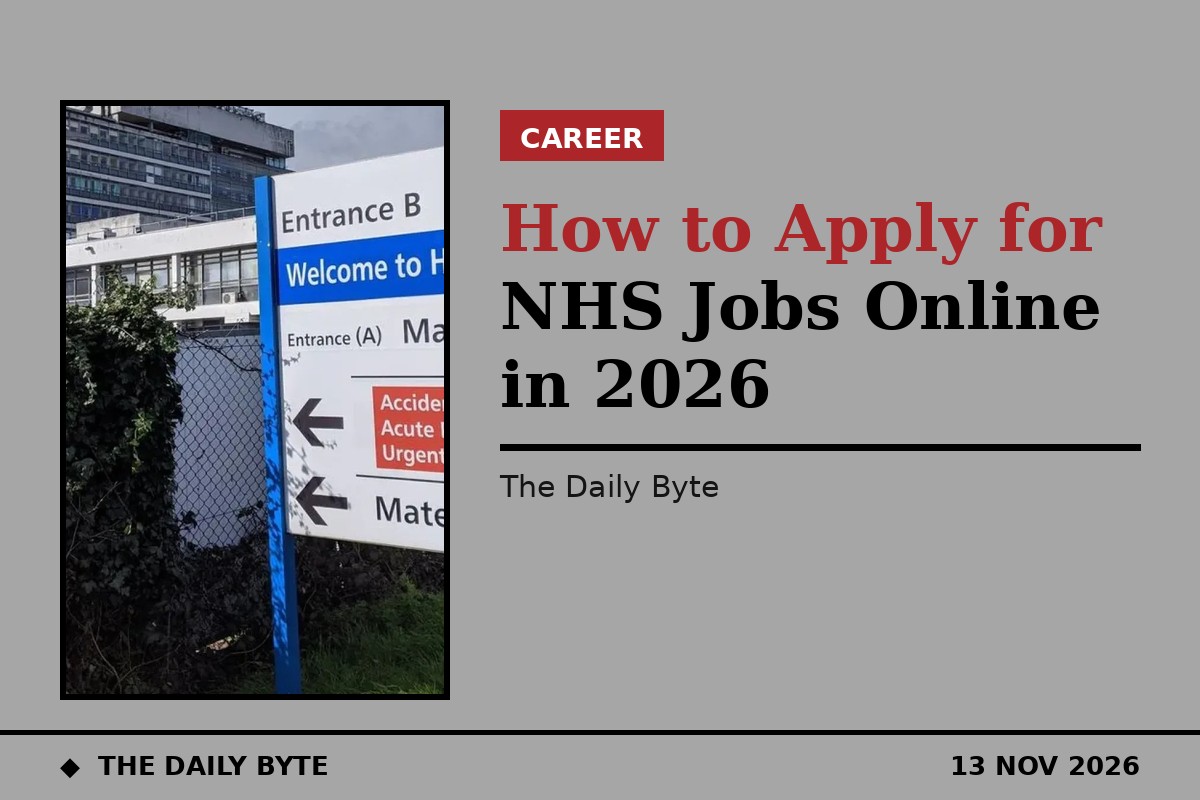
How to Apply for NHS Jobs Online in 2026
Applying for an NHS job online starts with a free account on NHS Jobs, the official national recruitment platform for the NHS in England and Wales, run by the NHS Business Services Authority. You can search and browse vacancies without an account, but you need one to apply, save a search or set up a job alert. Creating an account and applying for any genuine NHS vacancy is entirely free.
This guide explains how the process works, what to prepare, why some applications move to a second system called TRAC, and what happens after you submit. It covers the standard route for NHS posts in England and Wales; Scotland and Northern Ireland run their own recruitment services.
How do I create an NHS Jobs account?
Go to jobs.nhs.uk and select Create an account. The NHS Business Services Authority says you need to enter your first name, last name and email address, and create a password. You cannot register the same email address to more than one account.
Use a personal email address that you check regularly and expect to keep for the long term, not a work email tied to a job you might be leaving. Status updates, interview invitations and offer communications are commonly sent by email, so an inbox you stop checking can genuinely cost you a job.
Set a strong, memorable password and store it safely. The applicant sign-in page is jobs.nhs.uk/candidate. If you enter the wrong password three times, your account locks and unlocks automatically after 20 minutes. For help using the site, NHS Jobs can be contacted on 0300 330 1013, Monday to Friday, 8am to 6pm, except bank holidays in England and Wales. Questions about a particular vacancy go to the employer named on the advert, not to NHS Jobs.
How do I search for NHS jobs?
On NHS Jobs you can search by keyword, location, salary band and specialty, and the site covers roughly 350 different role types, from clinical and clinical-support posts through to estates, administration and management. Search by location with a distance radius rather than by trust name alone, so you do not miss postings from a nearby trust you had not thought of.
Sign in and save your search, which keeps the exact criteria you set so you do not need to rebuild it each time, and set up an email alert so new matching vacancies come to you automatically. It is also worth checking the careers page of any specific trust you are set on, since not every posting or internal vacancy is guaranteed to appear on the national site.
Most of what you will find is direct employment, meaning you apply straight to the trust with no third party involved. That is the standard route for the overwhelming majority of substantive NHS posts, and it is the route most trusts prefer, since it avoids agency fees.
What is TRAC, and why did my application move there?
A significant number of individual NHS trusts do not run the actual application and shortlisting process on NHS Jobs itself. Instead, they use TRAC, a separate applicant tracking system at trac.jobs, behind the scenes. If you click Apply for a job and are taken to TRAC to log in or create an account, that is normal, not a sign that you have been redirected somewhere untrustworthy.
Applications made in an external recruitment system such as TRAC will not appear in your NHS Jobs account. Your submitted applications on NHS Jobs itself are listed on the Your applications page, where you can open each one and view what you submitted. If you cannot find an application, the employer may have used an external system.
How do I write a good application?
Read the job description and the person specification before you write anything. The person specification lists the essential and desirable criteria for the post, and your supporting statement should show, with examples, how you meet each essential criterion. General statements about being hardworking or a team player carry little weight unless they are tied to something you have actually done.
Build your core profile and documents once, so you can reuse them, but tailor the supporting statement for each role. Save a draft, then come back and proofread it before submitting. A fresh read catches mistakes that are easy to miss when you have been staring at the same text, and errors in spelling or grammar can count against you.
Submit before the closing date and time, not on it. NHS adverts can close early when enough applications have been received, and a last-minute submission leaves no room to fix a technical problem. Keep a copy of everything you submit, including the closing date and the reference number.
What happens after I apply?
Shortlisting is done against the person specification, so only applicants who show they meet the essential criteria are normally invited to interview. If you are shortlisted, the trust will contact you, usually by email, with the interview date and details. Some trusts aim to move quickly: Nottingham University Hospitals, for example, says it takes on average 45 days from a post being advertised to an individual receiving an unconditional offer, though times vary between trusts.
If you are offered a post, the trust will run pre-employment checks, which can include references, occupational health clearance, a criminal records check where the role requires one, and confirmation of your right to work in the UK. Only when those checks are complete will you receive an unconditional offer and a start date.
If your application is not successful, you can ask the trust for feedback. That feedback is often the most useful part of the process, because it tells you which criteria you did not evidence well enough and what to strengthen next time.
Is it free to apply for an NHS job?
Yes. Creating an account and applying for any genuine NHS vacancy through NHS Jobs is completely free. Any site or service that asks you to pay to access vacancies or to apply is not the genuine NHS Jobs service, and you should not pay. It is also not appropriate for a legitimate UK recruitment agency to charge a jobseeker a fee for access to a vacancy, for applying, or for being placed into a role.
Be cautious of any recruitment agency posting that asks you for money to apply. Legitimate agencies never charge jobseekers a fee, and genuine NHS vacancies are advertised on NHS Jobs or on a trust's own careers site.
Frequently asked questions
Do I need an account to search NHS Jobs? No. You can generally search and browse vacancies without an account, but you will need to register to submit an application, save a search or set up a job alert.
How long are applications kept? The NHS Business Services Authority says applications and attachments are kept for up to 460 days after the closing date and then deleted.
Can I withdraw an application? Yes. You can withdraw an application from your NHS Jobs account, and if the application is in an external system such as TRAC, you should withdraw it there or contact the employer directly.
Where do I apply for NHS jobs in Scotland or Northern Ireland? NHS Jobs covers England and Wales. Scotland uses NHS Scotland Recruitment and Northern Ireland uses HSC Jobs, which are separate services with their own accounts. Source: NHS Business Services Authority.