HyperOS 3 Reaches Xiaomi 14 and Redmi Note 14 5G
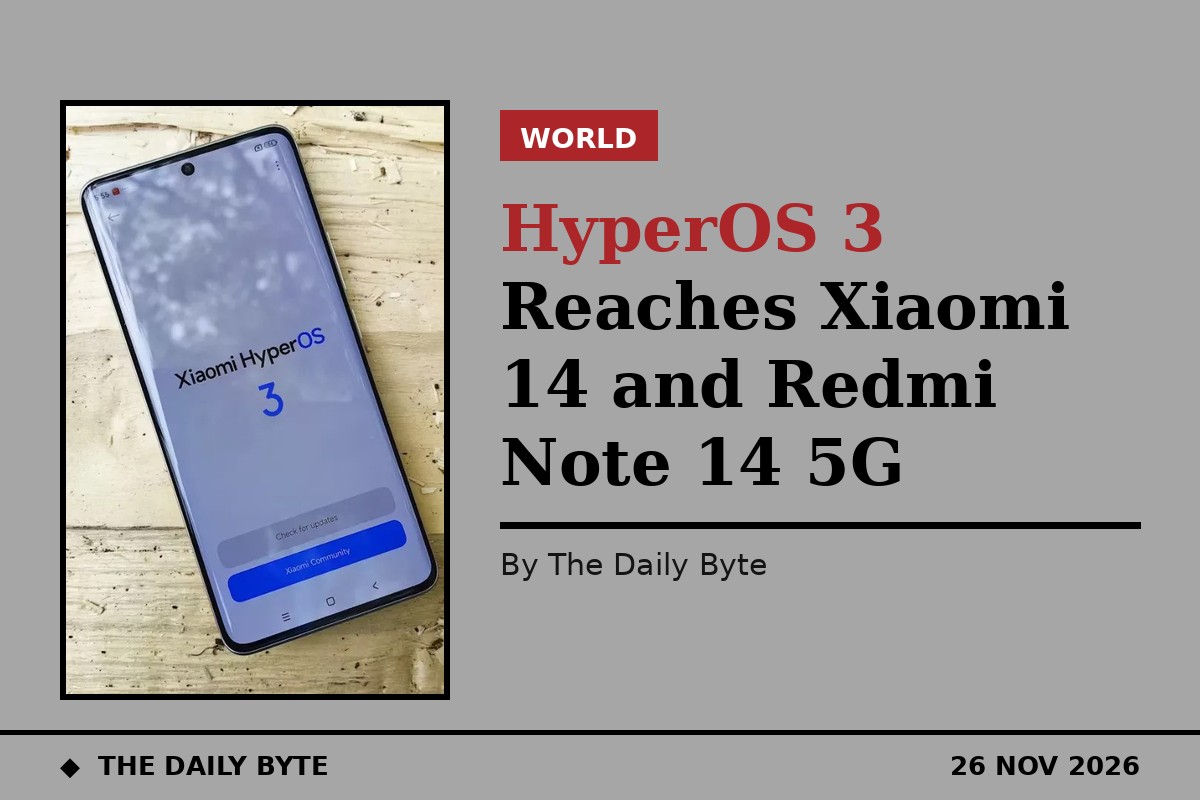
Xiaomi has started rolling out HyperOS 3, its Android 16-based software, to six more devices in India, including the Xiaomi 14, the Xiaomi Pad 7 and the Redmi Note 14 5G.
Xiaomi India's Sandeep Sarma announced on Tuesday that the update is now reaching the Xiaomi 14, Pad 7, Redmi Note 14 5G, Redmi 13, POCO F7 and POCO M7 Pro 5G. The company first showed off HyperOS 3 at its September 2025 launch event, and the software has been spreading across its phones and tablets in stages since then.
HyperOS 3 is Xiaomi's take on Android 16. It introduces HyperAI, the company's suite of artificial intelligence tools, which covers AI writing help and image editing features. The update also brings smoother animations and a reworked interface, along with better cross-device connectivity, including file transfers with Apple devices.
Which devices are getting it
The six devices named in this week's announcement cover Xiaomi's flagship, tablet, Redmi and POCO lines. The Xiaomi 14 is the flagship phone in the group, the Pad 7 is the tablet, and the Redmi Note 14 5G and Redmi 13 are the lower-priced phones, joined by the POCO F7 and POCO M7 Pro 5G.
Independent tracking of the rollout lists the same models among the phones and tablets that have now received HyperOS 3, alongside the Xiaomi 15 series, the Xiaomi 14 Ultra and the POCO F7 range. The update is being sent out in phases, so it may not appear on every eligible phone on the same day.
What is new in HyperOS 3
One of the biggest additions is HyperIsland, a pill-shaped area at the top of the screen that expands to show live activities such as music playback, timers, delivery status and ride-hailing updates. HyperAI has also been upgraded, with an AI Cinematic lockscreen that turns depth wallpapers into motion, AI Writing built into the system, and a Glare Removal tool for photos.
The update also refines the Control Centre, the status bar icons and the home screen icons, and adds new wallpapers. On tablets, HyperOS 3 supports floating windows and multitasking, including a Workstation mode with a dock at the bottom of the screen.
How to check for the update
Owners can check whether their phone has moved to the new software by opening Settings, tapping About phone and looking at the HyperOS version. A version number starting with 3.0 means the phone is running HyperOS 3, while a 2.0 number means it is still on HyperOS 2.
To install it, open Settings, go to About phone, tap the HyperOS version text and then tap Download update if the update is listed. Xiaomi recommends backing up important data before installing a major software update, even though a normal over-the-air update does not normally wipe data.