LibreOffice CVE-2026-104692: Spreadsheet Runs Attacker Code
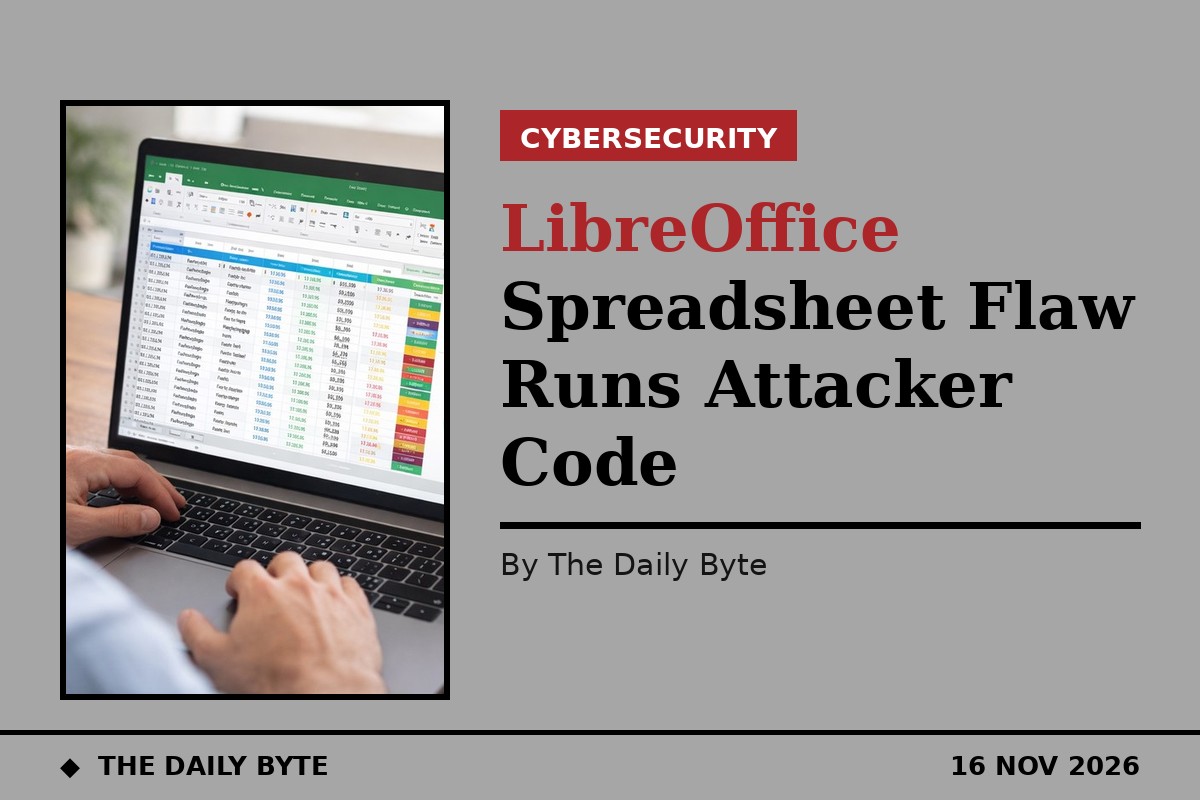
The Document Foundation has disclosed 25 security flaws in LibreOffice, including a chain of two vulnerabilities that lets a booby-trapped spreadsheet run an attacker's code as soon as the file is opened, with no macro warning and no prompt. The flaws, CVE-2026-104692 and CVE-2026-104007, were published on Monday 16 November 2026, and both are rated 8.5 out of 10 (High) under CVSS 4.0. They are fixed in LibreOffice 26.2.7 and 26.8.2, and the foundation recommends that all users upgrade.
How the spreadsheet attack works
The attack, demonstrated in a public proof of concept published the same day, starts with an ordinary-looking spreadsheet. The file contains a form whose data source is a web address, so when the document opens, LibreOffice automatically fetches a database document from the attacker's server, with no prompt shown. That database document names a Java database driver and a class path, the list of locations Java searches for code. Because of CVE-2026-104007, the attacker-controlled class path survives a filter that LibreOffice normally applies when a database document is opened directly, but which is skipped when the document arrives as a form's external data source.
On Linux, that flaw alone is enough: LibreOffice loads the attacker's driver class and calls its connect method, which runs the payload. On Windows and macOS, the attack takes a second step through HSQLDB, the Java database engine bundled with LibreOffice. CVE-2026-104692 is a failure to enforce HSQLDB's allowlist of permitted Java methods when the engine is reached through the generic JDBC driver, so SQL in a crafted document can call any Java method and run code. In fixed versions, SQL can call only HSQLDB's built-in functions.
The attacker's code need not come from the network: a spreadsheet is a ZIP archive, as is a Java JAR, so the malicious class can travel inside the spreadsheet itself. The one precondition is that LibreOffice has a Java runtime installed and enabled.
A public exploit appeared the same day
Researcher ii4gsp published a write-up of the chain on 16 November, with a script that builds the malicious files and demo videos for Windows, macOS and Linux. As of 16 November, no source has reported attacks using either flaw in the wild, neither is listed in CISA's Known Exploited Vulnerabilities catalogue, and the US National Vulnerability Database had not yet analysed either record. The public exploit turns a theoretical flaw into a practical one; users should not wait for real attacks before updating.
Nine code-execution flaws among the 25
The two chained flaws are not the only serious ones in the batch. Two more code-execution flaws rated 8.5 were published the same day with the same fixed versions: CVE-2026-104920, a route to loading a remote Java driver through Calc data links that an October fix did not cover, and CVE-2026-101892, which lets a document with specially named form controls change LibreOffice's configuration in a way that leads to code execution. In total, nine of the 25 flaws allow code execution, most of them ways around LibreOffice's macro security. Four advisories say opening, converting or exporting a document alone can trigger the flaw (CVE-2026-84443, CVE-2026-87932, CVE-2026-104933, CVE-2026-18563).
The fixes are not new: they shipped in 26.8.2 on 29 October and 26.2.7 on 3 November, and the advisories followed once both releases were out. The CVE records cover only the 26.2 and 26.8 lines, so users on older branches should treat their installations as unpatched and move to a supported release.
What users should do
Upgrade to LibreOffice 26.2.7 or 26.8.2, or newer, and check whether a Java runtime is installed and enabled, since the attack needs it. Organisations should treat unsolicited spreadsheets with the same caution as macro-enabled documents, because this attack needs no macro and shows no warning. Anyone who opened a suspicious spreadsheet on an unpatched version should treat the machine as potentially compromised and seek help from their IT team.
Source: LibreOffice