DownTheDRAIN Mac Stealer Spreads via Fake CAPTCHA
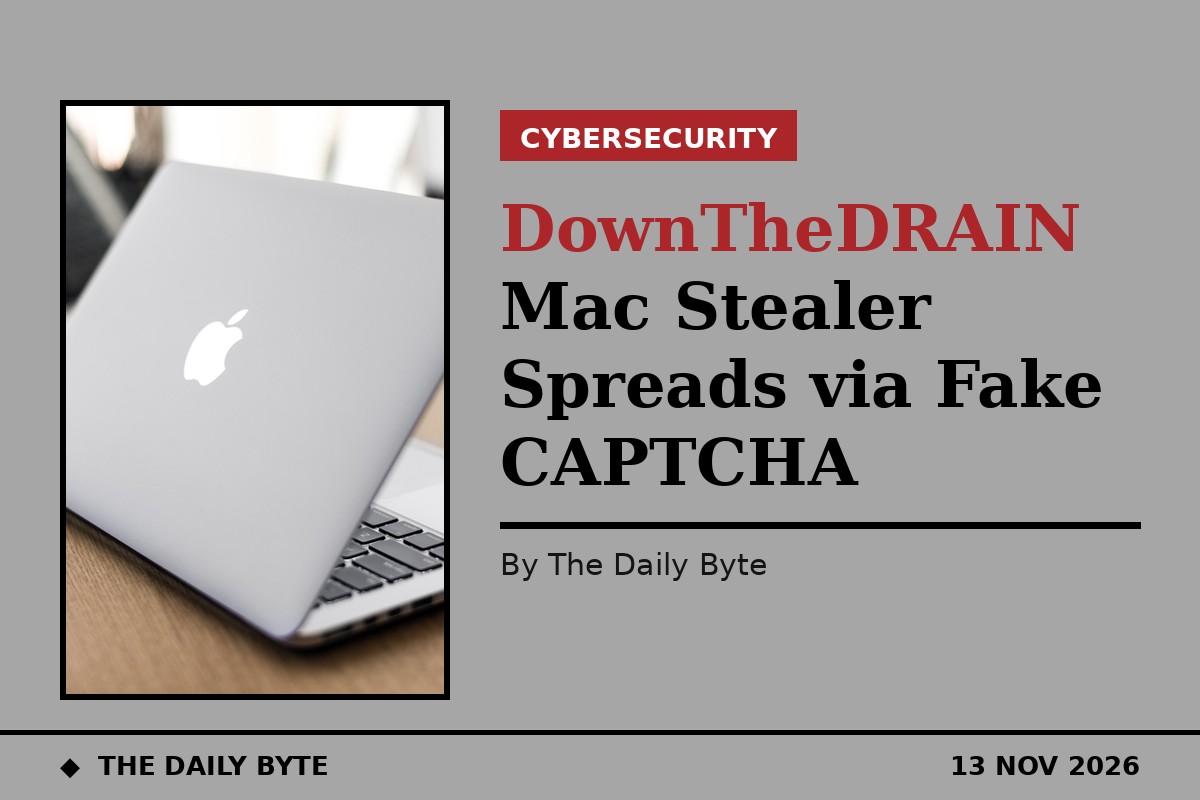
Mac users are being warned about a new infostealer, nicknamed DownTheDRAIN, that spreads through fake CAPTCHA pages and can empty cryptocurrency wallets. Security researchers examined a fresh sample of the malware distributed on Wednesday 11 November and published their analysis on Friday 13 November.
The analysis, published by the SANS Internet Storm Center, looks at a sample from the Macfinger ClickFix campaign. SANS handler Bradley Duncan gave the malware its nickname after analysis by Huntress showed it contains a function designed to drain cryptocurrency wallets. The campaign was first documented in September 2026 and is still active.
The attack starts on a fake CAPTCHA page, in this case hosted on the domain quill-kraee-um2gf.pro. The page tells the visitor to copy a command and paste it into the Terminal app on their Mac, supposedly to prove they are human. In reality, the command downloads a small shell script, about 5 kilobytes in size, which then installs the stealer: a roughly 35-megabyte Mac executable saved under a name designed to look like a legitimate Apple update file.
In Duncan’s test, a Mac mini running macOS 26.7.3 blocked the malware and moved it to the Trash before it could take any sensitive data. That is an encouraging result from one test machine, but it is not a guarantee that every Mac, or every version of macOS, would stop it in the same way.
Built to drain crypto wallets
What makes this stealer stand out is its DRAIN function. Huntress analysed an earlier sample in August 2026 and found code that identifies cryptocurrency wallet addresses, checks whether they hold funds, and redirects all or part of the balance to a wallet controlled by the attackers. The malware targets Bitcoin, Litecoin, Dogecoin, Monero, Ethereum and Ripple’s XRP, and can take a percentage of a wallet’s contents rather than the whole balance.
The stealer does more than chase cryptocurrency. According to Huntress, it also scrapes stored credentials from the macOS Keychain, browser password stores and cached browser data. It tries to stay on the machine by hiding in folders that mimic legitimate Apple system paths, and it can show a fake password prompt to capture the user’s login details. The command-and-control traffic in the latest sample used the non-standard port 8133.
Huntress traced the hosting infrastructure behind the malware to the Aeza Group, a Russian hosting provider described as a bulletproof hoster used by organised cybercriminal and ransomware groups. The group was sanctioned by the United States in 2025, with the United Kingdom and Australia joining the sanctions later that year. No individual threat actor has been publicly attributed to the Macfinger campaign itself.
How to stay safe
The most important defence is simple: never paste a command from a website into Terminal. A genuine CAPTCHA never asks you to open Terminal, run a command, or type anything outside the web page. Any page that does so is a scam, however convincing it looks, and the command should be closed without following its instructions.
Mac users should also keep macOS and their browsers updated, and be cautious about links in unexpected emails that lead to verification pages. Huntress advises that browser add-ons which block malicious scripts, and DNS filtering tools, can reduce the chance of reaching these fake pages, but user awareness remains the strongest protection.
Anyone who has already followed the instructions on such a page should tell their IT team immediately and isolate the machine. The SANS diary publishes file hashes, network addresses and other indicators from the latest sample so that defenders can check their systems and block the campaign’s infrastructure.