Mail Bombing Floods Inboxes Before Teams Vishing Scam
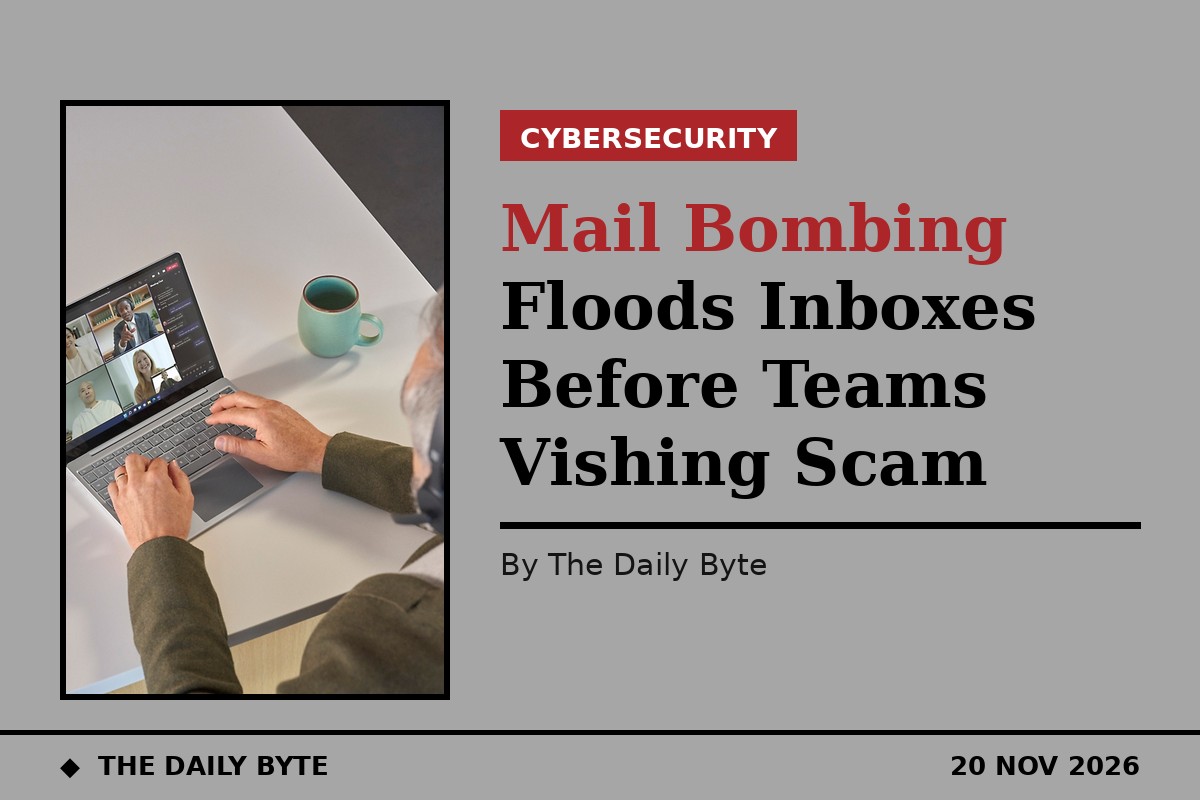
Attackers are flooding inboxes with thousands of unwanted emails, then calling victims on Microsoft Teams while posing as their own IT helpdesk. Fortra researchers, who published their findings on 19 November, say the attack is designed to end in account or system compromise.
How the flood works
Mail bombing needs no access to the victim's mailbox. Attackers submit the target's email address to newsletter, registration and demo forms across unrelated websites, and legitimate services send the confirmations. Fortra observed peaks of around 10,000 messages per campaign, roughly 1,000 a day. Mailchimp and its Mandrill service were the most abused delivery platforms, followed by Amazon SES and SendGrid. Researchers found signs the sign-ups may be automated by an AI agent crawling web pages for subscription boxes.
The fake helpdesk call
As the flood peaks, the attacker calls the victim through Teams, claiming to be from internal IT and offering instructions that will supposedly stop the messages. In reality, the instructions are meant to compromise the account or system. Fortra also spotted phishing messages hidden in the flood, though it could not confirm the same operator sent them. The playbook is not new: Arctic Wolf reported in October that attackers used the same sequence in more than 400 incidents, in some cases reaching ransomware within 15 minutes of first contact.
How to respond
Fortra advises treating any unsolicited Teams approach during a mail flood as part of the incident. Staff should end the contact and verify support through the organisation's helpdesk route, never using details supplied by the caller. Security teams should preserve message headers and call records before cleanup, contain mail for the affected person, review Teams external-access settings, and search delivered, junk and quarantined mail for phishing and genuine alerts buried by the flood.
Sources: Fortra | Infosecurity Magazine