Microsoft 365 outage phishing campaign targets users
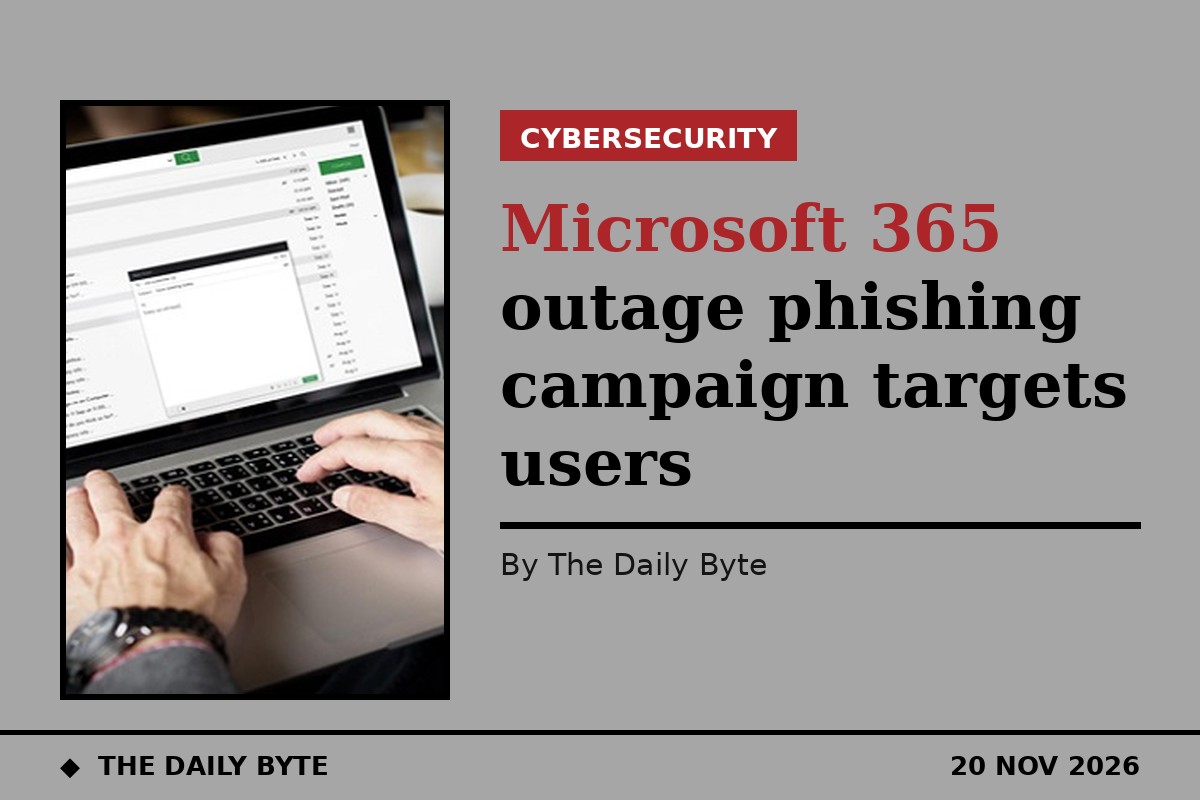
Microsoft has warned that criminals moved fast to exploit its Microsoft 365 outage last week, sending a wave of phishing emails disguised as official service alerts. The campaign was spotted on 13 November 2026, while the company was still rolling out a fix for the disruption that had knocked out Outlook, Teams and other services around the world.
The messages were designed to catch people at their most anxious. They claimed that emails had been held up by the outage and would be deleted within 24 hours unless the recipient acted. A prominent “RESTORE MESSAGES” button invited the reader to click through and recover the supposedly trapped mail. Microsoft says the likely aim was to steal login credentials, although it has seen no evidence so far that any credentials were actually captured, or that malware was delivered.
How the fake alerts were built
The lures were carefully put together. They used subject lines in the pattern “Outage –” followed by a random six-character code, such as “Outage – aF7vG6”, and sender display names made from a three-letter prefix followed by “Outage Notification” or “Service Health”, for example “MSF Outage Notification” or “AMZ Service Health”. The messages came from domains including moments-notice.com, planetmaison.com and newbooker.com, and they named familiar services — Exchange Online, Outlook, Teams, SharePoint and Copilot — to look genuine. One sample referred to a supposed Exchange Online incident on 12 November and claimed four messages had been held.
The emails also carried a hidden fake conversation in the body, apparently intended to slip past mail filters, and used tracking links tailored to each recipient. Clicking through led to reallifeaccounting.com, sometimes to the page /themelist0.html. Every message Microsoft examined was link-based: no QR codes, no attachments, and no sign of executable files or other malware being delivered.
The outage behind the scam
The real outage began at 11.20 EST on 12 November and lasted more than 22 hours, with Microsoft confirming that services were fully restored at 23.15 EST on 13 November. The phishing messages arrived on 13 November, as engineers were still working on the fix — exactly when users were most desperate to get back into their inboxes. Microsoft said the timing fits a familiar pattern: attackers routinely build their lures around major events that people are already worried about. The company has not linked the campaign to any named hacking group or malware family, and it stressed that the phishing was separate from the outage itself, which was a technical failure rather than an attack.
What to check
Microsoft Defender already blocks the malicious domains used in the campaign, and Defender for Office 365 blocks and quarantines the phishing emails. Even so, the company is urging organisations to search their mail records for the sender domains, subject pattern and destination domain, quarantine any matches, and remove copies that were delivered.
Anyone who clicked a link should be checked: look at sign-in records, review whether credentials may have been entered, and if so reset the password, revoke active sessions and refresh tokens, and check multi-factor authentication registrations. Microsoft also advises checking for new inbox rules, forwarding rules and delegate permissions, which attackers use to keep access quietly.
The simplest test is the address itself. Genuine Microsoft 365 service-health messages never send users to a non-Microsoft website to recover held mail. Anyone unsure about an outage should check the Microsoft 365 admin centre rather than clicking a link in an unsolicited email.