Microsoft November update breaks Word printing
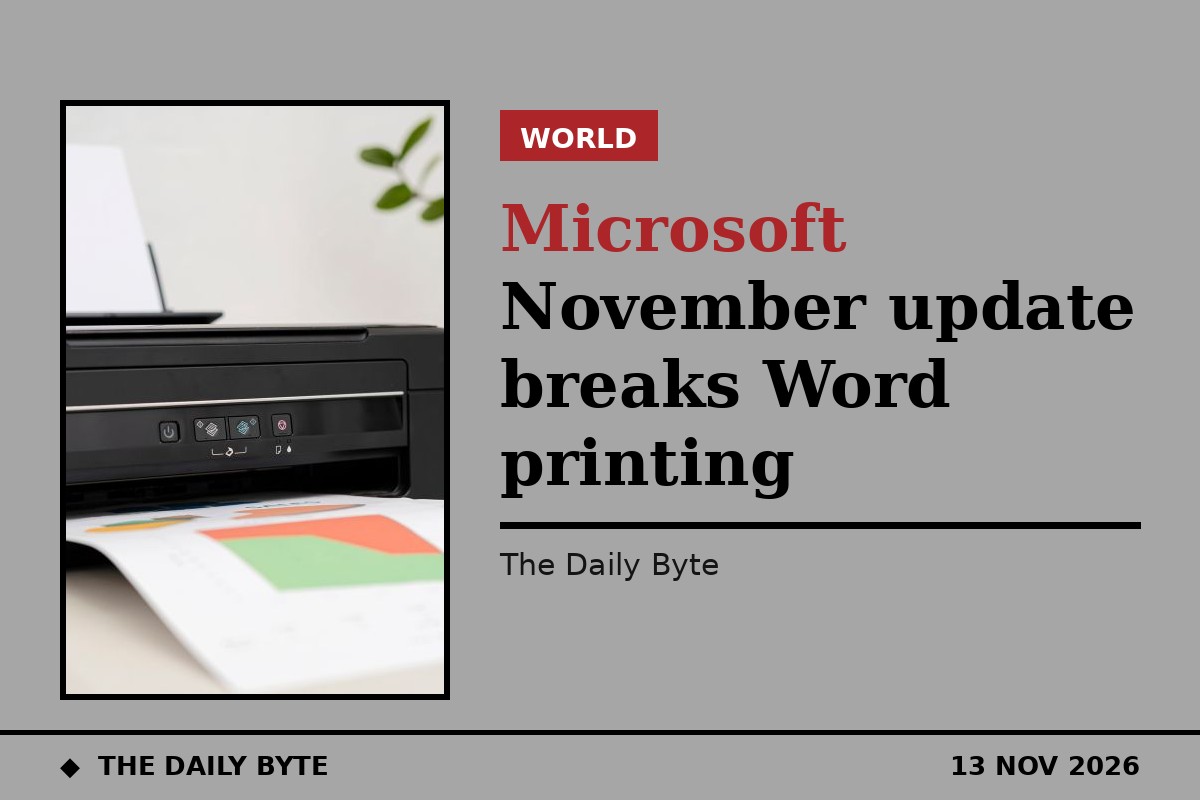
Microsoft has warned customers that its November 2026 security updates may break printing for documents with complex formatting, in the latest problem to emerge from this month's Patch Tuesday release.
The warning was contained in a Microsoft service alert seen by BleepingComputer, which reported the issue on 13 November. According to the alert, after installing the November 2026 Windows security update, or later updates, printing might fail for documents containing images rendered with a height or width value of zero at the selected printing resolution.
The issue affects devices running Windows Server 2016 or later and Windows 10 or later, meaning it can hit both business and personal computers. Microsoft said the bug had mainly been observed when printing Microsoft Word documents through the Windows Graphics Device Interface, known as GDI, but printing from other applications may also be affected.
Why invisible images can stop a print job
The images behind the problem are not necessarily pictures a user can see. Images with a height or width of zero can be used as part of complex document formatting, for example for watermarks or layout anchoring, and they can exist inside a document even when they are not visibly displayed.
That is why the failure can appear puzzling: a document that looks normal on screen may still contain one of these zero-sized images, and the print job can fail when the printer driver reaches it at the selected resolution. How-To Geek, reporting the same Microsoft alert, noted that the error can occur in multiple applications, although Microsoft observed it when printing through GDI.
No fix yet, as Microsoft investigates
Microsoft said it was investigating the issue and would provide more information when available. The company has not yet announced a permanent fix or a confirmed release schedule, and no workaround has been published.
The printing warning is one of several problems Microsoft has acknowledged around the November updates this week. PCWorld, reporting on the same update, the Windows 11 update KB5132061, noted that the release also fixed some printer errors, including a fault that could stop a printer published in Active Directory from being added, while introducing this new one.
For now, users who hit the problem have little to do but wait for Microsoft's next update on the issue. Anyone printing a complex Word document should be aware that a failed print job after the November update may be caused by the update itself, rather than by the printer or the document, and should check whether Microsoft has issued a fix before replacing hardware or rebuilding the file.