Microsoft Tests Remote Lock for Lost Windows Devices
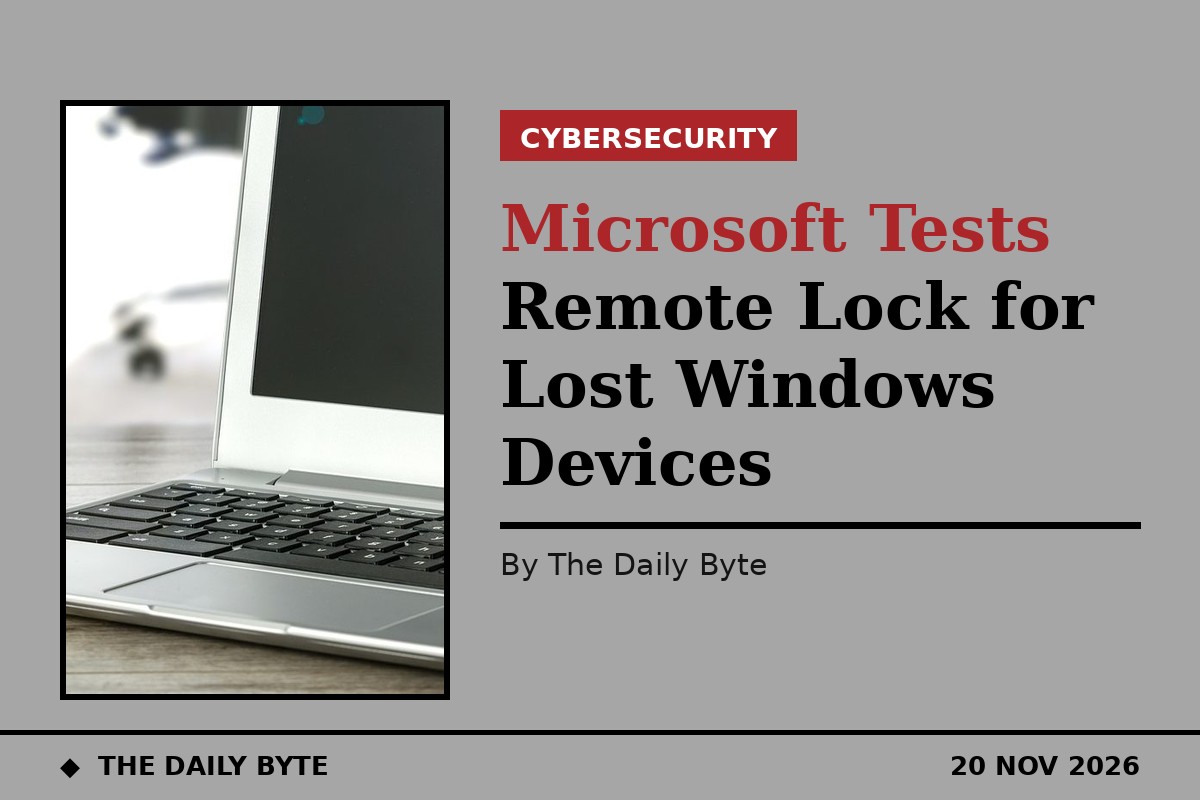
Microsoft is testing a way for IT teams to freeze a lost or stolen Windows laptop without wiping it. The new feature, called Remote Lock, sits between doing nothing and triggering a full remote wipe, and it is now appearing in Windows 11 Insider Preview builds.
Remote Lock is managed through Microsoft Intune. An administrator creates a custom configuration profile, sets a value called LockState to 1, and assigns the profile to a group reserved for locked devices. Adding a lost device to that group applies the lock at its next check-in. To unlock it, the administrator moves the device to a second group whose profile sets LockState to 0.
The feature is aimed at managed business devices. It works on Microsoft Entra-joined, hybrid-joined or MDM-enrolled machines running Windows Enterprise, Education or Pro, and it is shipping in the Beta channel build 26320.10003 and the Experimental channel build 26340.10013. It also appears in the newer Experimental build 29708.1001, released on 13 November.
What happens on a locked device
When the lock lands, Windows signs out every active session, hides all sign-in options and shows a locked screen. PINs, passwords, local administrator accounts and web sign-ins stop working on that machine, and only an administrator can lift the lock, remotely, through Intune. The user's credentials stay valid and can still be used to sign into other devices that have not been locked.
Nothing is erased. The device stays enrolled and managed, BitLocker encryption stays on and user data stays where it was, so a recovered laptop can be handed back and the user can pick up where they left off. "The lock holds across restarts and while offline, and only an admin can lift it remotely," said Stephen Lines, Windows Insider communications lead. Administrators can also customise the lock screen with a reason for the lock and a help desk contact.
What Remote Lock cannot do
Remote Lock is not a substitute for wiping a device or isolating it from the network. A locked machine is not cut off from the company network, and none of its data is deleted, so administrators who need either of those outcomes must still use Intune's separate device isolation and wipe controls.
There is also an important limit. Remote Lock does not block the Windows Recovery Environment, Safe Mode or booting from USB drives or other media. That means the data on a stolen laptop is only protected if BitLocker is switched on, since an attacker who removes the drive or reimages the machine could otherwise read what is on it. Microsoft has not said when the feature will reach the stable release of Windows 11.
The same preview builds also add new passkey management features, letting users view and manage passkeys stored on a FIDO2 security key individually, with enterprise settings for always-required user verification, minimum PIN length and enterprise attestation.