ScreenConnect CVE-2026-84869: attackers hijack MSP technicians in nine seconds
By The Daily Byte
·18 Nov 2026
·5 min read
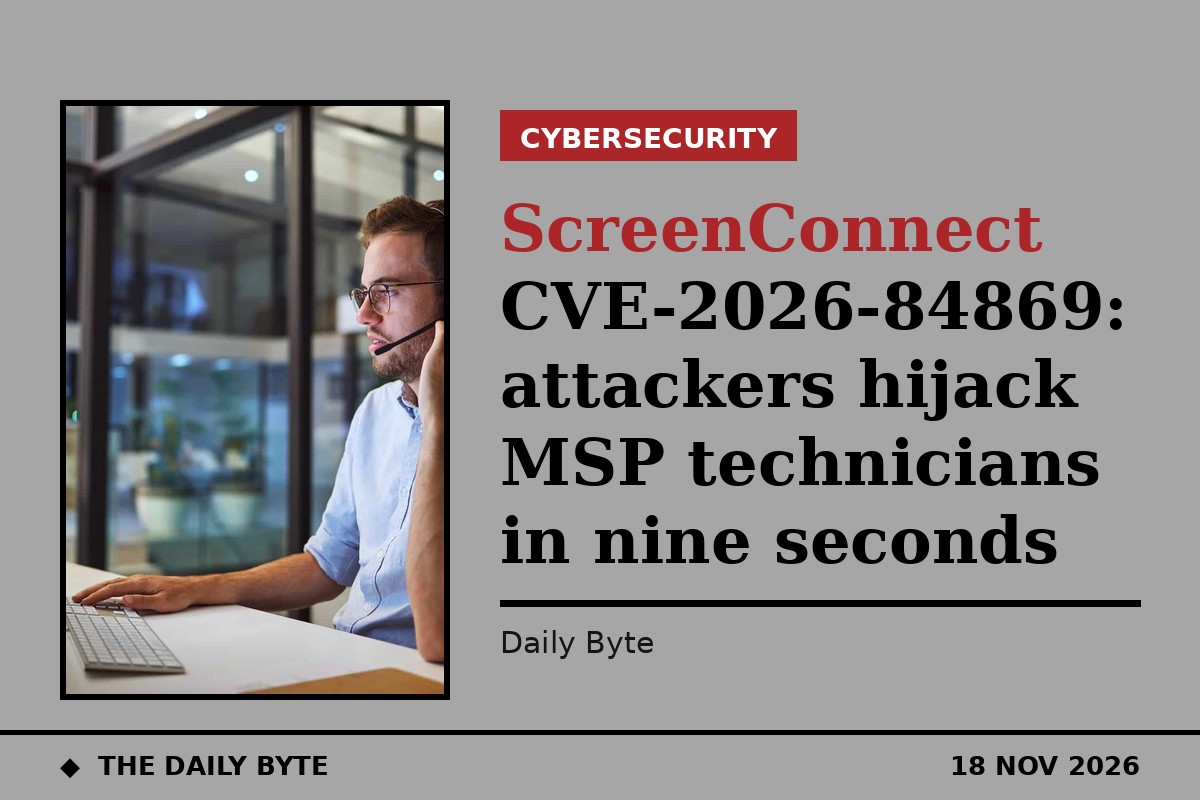
Attackers have spent a month bombarding managed service providers with hundreds of thousands of malicious file-run requests, waiting for an IT technician to join a remote support session so they can hijack the technician's own computer. Security firm Huntress, which documented the campaign on 16 November, says one technician's workstation was fully compromised in about nine seconds.
The attacks exploit CVE-2026-84869, a critical flaw in ConnectWise ScreenConnect rated 9.9 out of 10. In a Support or Access session, a guest can trigger file-transfer actions that the technician's host client processes without authorisation or confirmation, including running the file with elevated rights. ConnectWise disclosed the flaw on 8 September 2026 and CISA added it to its Known Exploited Vulnerabilities catalogue on 11 September. The fix is version 26.6.5 of the host client, and Huntress stresses that updating the server alone does not fix it, because the vulnerable code runs on the technician's machine.
## 688,000 requests across 42 servers
Between 20 October and 16 November, attacker guests made 688,000 "run file" requests for files named update.bat or update_ followed by eight hexadecimal characters, across 42 MSP ScreenConnect servers, from 29 source IP addresses. On the busiest server, 10 guest sessions from seven IP addresses made 70,414 requests over three weeks. The guests kept repeating the requests in case a technician happened to join.
The spray worked. On 12 November at 16:46 UTC, a technician at one MSP used a ScreenConnect host client to join a blank-named Access session. The client ran a guest-pushed file, update_224ac089.bat. Within seconds the script relaunched itself hidden through PowerShell, decoded a Telegram bot token and reported the new victim to the operator, and downloaded an installer from masterdarky.com. About nine seconds after the technician joined, a rebranded ScreenConnect client, disguised as Windows Update, was running and connected to the attacker's relay.
Huntress assesses with high confidence that the spray operator and the masterdarky.com operator are the same: the same file had been sprayed at five MSP servers within two seconds of each other, 43 minutes before the compromise.
## Canaries, decoys and a Startup folder trick
The campaign is not a single trick. On 13 November, a technician at another MSP joined a session presenting as a laptop. Two seconds later the guest pushed a harmless text file, marker.txt, which the technician's client ran and opened in Notepad++. A harmless file that announces itself is a classic canary: it proves the exploit works against that target before anything real is sent.
In October, an attacker joined three real support sessions as an extra guest and asked the technician's client to run a file with a path-traversal name that would drop a script called Sync.bat into the technician's Startup folder, where it would run at the next logon. On 19 October, a guest pushed Run-Lateral.bat seven times at a technician on a vulnerable client, with the closest push arriving 4.3 seconds after the technician disconnected. Huntress counts that as a near-miss, not an exposure.
A technician's workstation is an exceptionally attractive target because it typically holds remote-management consoles, saved credentials and access to every customer of the MSP. Compromising one technician can therefore open a path into dozens of client organisations.
## What MSPs should do now
Huntress advises MSPs to update every technician's ScreenConnect host client to version 26.6.5 or later, along with any Access agents ConnectWise lists, and to check their server's connection history for which client version each technician used. In the cases Huntress examined, many technicians were still running much older clients, including versions 22.x, 24.2 and 25.8, weeks after the fix shipped. If patching is not possible immediately, ConnectWise advises removing the TransferFiles permission from roles and session groups.
MSPs should also hunt for exposure in their server databases, looking for guest-originated file-run events for update.bat-style files, marker.txt or paths containing "../", and check whether a technician's host connection was open at that moment. Any hit should be treated as a full compromise: isolate the workstation, remove the rogue client, and rotate every credential reachable from it.
Huntress notes this campaign is distinct from the SCKit worm activity reported on 11 November and from a separate campaign that planted unauthorised guest sessions disguised with crypto-exchange names. Neither Huntress nor SecurityWeek names the actor behind the attacks.
## Frequently asked questions
**What is CVE-2026-84869?**
A critical missing-authorisation flaw in ConnectWise ScreenConnect, rated 9.9, that lets a guest in a support session push a file to a technician's computer and have the technician's own client run it without asking.
**Who is affected?**
Managed service providers running ScreenConnect, and any organisation whose IT support uses it. The flaw is in the technician's host client, not the server, so patching the server alone does not fix it.
**How do I fix it?**
Update every technician's ScreenConnect host client to version 26.6.5 or later. As an interim step, remove the TransferFiles permission from roles and session groups.
Sources: [Huntress](https://www.huntress.com/blog/cve-2026-84869-screenconnect-technician-exploitation) and [SecurityWeek](https://www.securityweek.com/msp-screenconnect-servers-targeted-in-month-long-campaign/).