What Is a Password Manager? 1Password Breach Explained
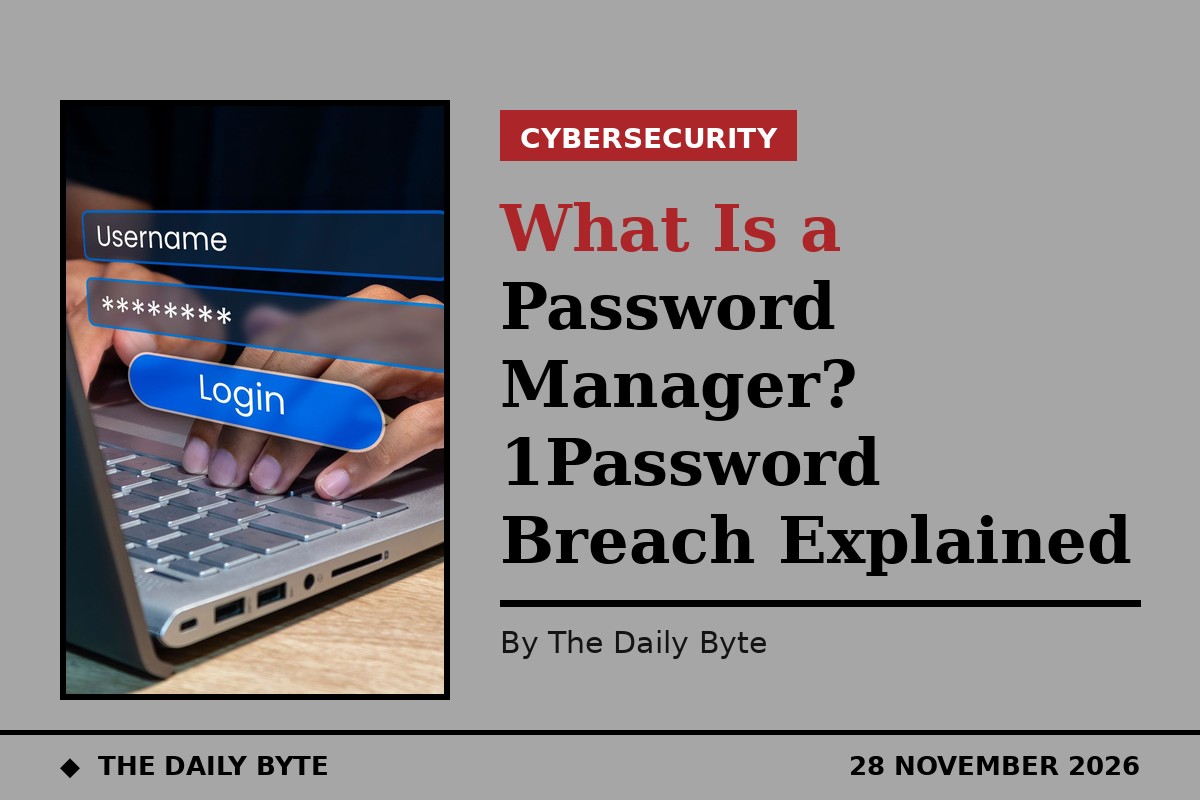
A password manager is an app that stores all of your login details in a single encrypted vault, so you only have to remember one master password. It creates long, unique passwords for every site you use, remembers them for you, and fills them in when you log in. The idea is simple: human memory cannot cope with dozens of strong passwords, so the manager does it instead — and it does it far better than reusing the same password everywhere.
The design was put to a public test on 25 November 2026, when the password manager 1Password disclosed that an attacker had broken into its internal systems and stolen customer account records. The vaults themselves, the company said, were never touched. This explainer sets out how a password manager works, what happened in the 1Password breach, and why the vaults stayed safe.
What is a password manager?
A password manager is software — usually an app on your phone and computer, plus a browser extension — that stores your usernames and passwords in an encrypted vault. When you create an account on a website, the manager generates a long, random password for it and saves it. When you return, it fills the password in for you. You unlock the vault with a single master password, which is the only password you need to remember.
Most managers do more than store passwords. They can generate secure passwords, warn you when a password has appeared in a known data breach, store secure notes and payment cards, and support passkeys, the newer login standard that replaces passwords with cryptographic keys held on your device. The core job, though, is always the same: one strong master password protects a vault full of unique passwords you never have to remember.
How does a password manager keep your passwords safe?
The protection comes from a design called zero-knowledge encryption. Your vault is encrypted on your own device, using keys derived from your master password — and, in 1Password's case, from a second secret called a Secret Key, a 128-bit key created when you sign up and stored only on your devices. The encrypted vault is then synced to the company's servers so it is available on all your devices. But the company does not hold your master password or your Secret Key, and without those keys the encrypted vault cannot be opened.
That is the crucial point: the servers hold only scrambled data. Even someone who breaks into the company's own systems, or the company itself, cannot read your passwords, because the keys that decrypt them never leave your devices. As 1Password puts it: your vault secrets are encrypted with keys that only you hold, so the company cannot access them, and neither can an attacker who gets into its servers.
What happened in the 1Password breach?
1Password detected the intrusion on 19 November 2026 and began investigating, then disclosed it publicly on 25 November. According to the company's incident notice, an attacker gained access to an employee's corporate GitHub account, the system the company uses to share and store its source code. The attacker used that access to read private source code, push malicious code into the company's backend services, and download administrative account records for a subset of customers.
The records taken included customers' names and the email addresses they use to sign in, account and user identifiers, the dates accounts were created and last signed in, public keys, parameters used by the Secure Remote Password protocol, and tokens embedded in emailed links for invitations, provisioning and account recovery, along with non-secret internal metadata. The company also said the attacker copied private source code and gained access to its continuous integration and continuous delivery (CI/CD) system, which holds infrastructure secrets the product needs to run.
What was not taken matters more. 1Password said that at no point were customer vault contents accessed by, or available to, the attacker — no vault items, no passwords or other secrets stored in vaults, no account recovery keys, and none of the keys that protect vaults. Account passwords and Secret Keys were not affected, because the company does not store them. Its apps and browser extensions were not affected either.
| Date | What happened |
|---|---|
| 19 November 2026 | 1Password detects signs of intrusion and begins investigating; an attacker had gained access to an employee's corporate GitHub account |
| 19–25 November 2026 | Attacker reads private source code, pushes malicious code to backend services, downloads account records for a subset of customers, and reaches the CI/CD system |
| 25 November 2026 | 1Password discloses the incident publicly; says vault contents were never accessed |
| After disclosure | Compromised GitHub account disabled, stolen token revoked, internal credentials rotated, clean versions of affected services restored |
Some facts remain undisclosed. 1Password has not said how many customers had records taken, how the employee's GitHub account was compromised, or how long the malicious code ran. As of 26 November 2026, no group had publicly claimed the attack. The company said it would update its incident notice as the investigation continued.
Why did the vaults stay safe?
The vaults stayed safe because of the way the encryption is designed. Vault data is encrypted on the customer's device with keys derived from the account password and the 128-bit Secret Key, and 1Password stores neither. An attacker inside the company's backend can copy what the servers hold, but those servers never hold what is needed to decrypt a vault. That is why the company is not asking customers to change their account passwords or Secret Keys.
The same design explains why the stolen items, while serious, are limited in what they allow. Names and email addresses can be used to write phishing emails that look as if they come from the vendor, and to try the same address against other services. The tokens in emailed invitation, provisioning and recovery links cannot open an account on their own: using one requires either single sign-on authentication or a verification code sent to the account's registered email address. As a precaution, 1Password lengthened invitation and recovery codes to 10 letters and numbers, up from six digits.
What should 1Password users do now?
According to the company, customers do not need to take any action — no password change, no Secret Key change. But users should stay alert for phishing, such as unexpected invitations or account recovery requests, because the attacker now holds a verified list of customer names and email addresses. A phishing email that quotes your real name and the email address you actually use to sign in is far more convincing than a generic one.
The practical steps are the same ones security experts always recommend: treat any unexpected email claiming to be from 1Password with suspicion, never click a password reset or invitation link you did not ask for, and check the sender address and the link destination before acting. If you use the same email address and password combination anywhere else, change those — not because the vault was opened, but because the email address itself is now in an attacker's hands.
Are password managers still safe to use?
Yes. If anything, this breach is evidence that the architecture works as designed. The attacker reached the company's source code, its backend services and its build pipeline — about as deep an intrusion as a software company can suffer — and still could not open a single vault, because the keys were never on the company's servers to steal. That is the whole point of zero-knowledge encryption, and it held.
The residual risk is not the vault but the person. A verified list of password manager users is useful material for follow-on attacks, above all targeted phishing. That is a reason to be more careful with unexpected emails, not a reason to go back to reusing weak passwords or writing them on sticky notes — the habits a password manager exists to replace. Used with a strong, unique master password and two-factor authentication where it is offered, a password manager remains the safest practical way for most people to handle logins.
Password managers: your questions answered
Should I change my 1Password password after the breach? No. 1Password says customers do not need to change their account passwords or Secret Keys, because vault contents were never accessed and the company does not store those credentials.
What is a Secret Key? A 128-bit key created when you sign up for 1Password, stored only on your devices. Together with your master password it encrypts your vault, and 1Password never holds a copy.
What is the real risk from this breach? Phishing. The attacker has real names and sign-in email addresses, enough to write convincing fake emails pretending to be from 1Password. Watch for unexpected invitations or recovery requests.
Does a password manager protect me from phishing? Only partly. It will not fill your password into a fake website whose address does not match the real one, which is a useful warning sign — but it cannot stop you clicking a malicious link or handing over details yourself. Staying alert still matters.
Sources: The Hacker News and TechCrunch on 1Password's incident disclosure of 25 November 2026; Infosecurity Magazine on the breach details and remediation.