What Is OpenClaw? AI Agent Explained
OpenClaw is a free, open-source AI agent that runs on your own computer and carries out tasks for you, instead of only answering questions in a chat window. It is in the news because security researchers reported on 10 November 2026 that more than 575 malicious add-ons for it had been found, delivering malware to Windows and Mac computers.
Unlike ChatGPT or Claude, which run inside a company's app or website, OpenClaw is software you host yourself. You connect it to an AI model of your choice, and it meets you in the messaging apps you already use — such as WhatsApp, Telegram, Signal, Discord or Slack — and uses tools on your machine to get things done, from managing files and calendars to completing multi-step jobs.
Who built OpenClaw?
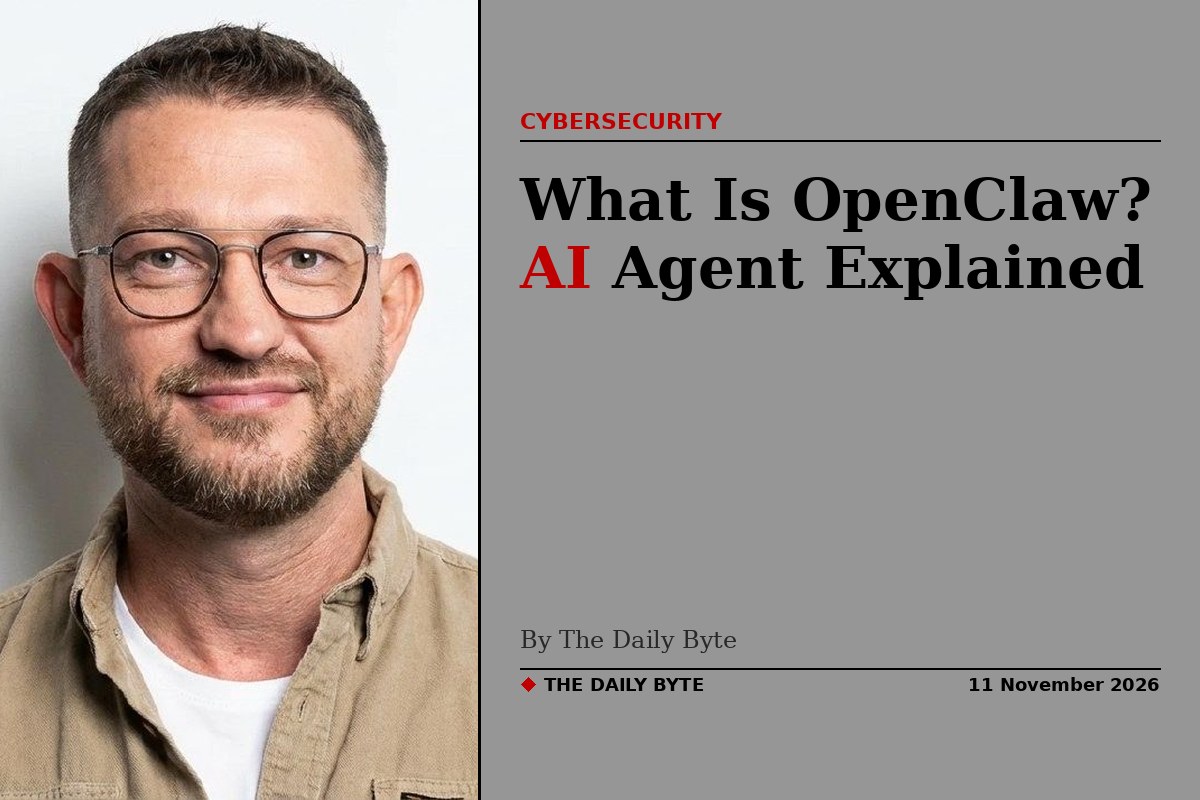
OpenClaw was created by Peter Steinberger, an Austrian developer best known as the founder of PSPDFKit, a company that makes software for working with PDF documents. He first published the project on 24 November 2025 under the name Warelay, as a personal tool built out of frustration with AI assistants that could only suggest things rather than actually do them.
The project went through several names in its first months. Warelay became Clawdbot, then Moltbot, and finally OpenClaw on 30 January 2026. The name changes followed a trademark concern over the original name's play on Claude, Anthropic's AI assistant.
On 14 February 2026, Steinberger announced that he was joining OpenAI to work on personal agents, and that the project would move to an independent non-profit foundation. The OpenClaw Foundation, an independent 501(c)(3) organisation, now stewards the project. OpenAI is a donor to the foundation, not the owner, and the software remains open source under the MIT licence.
How does OpenClaw work?
OpenClaw runs as a single Gateway process on your computer or server. That gateway receives messages from apps such as Slack, Telegram or Discord, routes them to an AI agent with a persistent session and memory files, and sends the agent's replies back to the same chat. The agent sends your request to the model you chose, calls tools to act on it, and returns the result.
The key difference from an ordinary chatbot is that OpenClaw executes actions. A chatbot gives you text; OpenClaw can read your files, run commands and operate software on your behalf. That is what makes it powerful, and it is also what makes it risky: anything the agent can do, a malicious instruction given to it can also do.
OpenClaw is model-agnostic, which means it does not include its own AI model. It can connect to Anthropic's Claude, OpenAI's GPT models, or local models run through software such as Ollama. The software itself is free, but running it costs money, because you pay for the AI model use and for the computer or server that hosts it.
What are OpenClaw skills and ClawHub?
OpenClaw can be extended with skills — packaged sets of instructions, often with scripts, that teach the agent how to carry out a particular task. A skill is typically a folder of markdown files built around a file called SKILL.md, which tells the agent when to use the skill and which tools to call.
ClawHub is the public registry where people share skills, like an app store. Anyone can publish a skill there, and other users can install it to give their agent new abilities. That openness is also its biggest security weakness, because a skill runs with the agent's own permissions.
Why are malicious OpenClaw skills in the news?
Security researchers have repeatedly found malware hidden in ClawHub skills. In February 2026, the security firm Koi Security audited 2,857 ClawHub skills and found 341 of them to be malicious. Many used fake installation steps to install the Atomic macOS Stealer, a program that steals passwords and other sensitive data from Apple computers.
The problem returned to the headlines on 10 November 2026, when Acronis published its TRU Cyber Pulse 2026 report. Its researchers identified more than 575 malicious OpenClaw skills on ClawHub, published by 13 developer accounts, with two accounts responsible for about 93 percent of them. The packages posed as ordinary utilities — for example, a YouTube transcript summariser that first required a supposed driver to be installed — and delivered trojans, cryptocurrency miners and information stealers to Windows and macOS systems.
The project has responded by adding VirusTotal scanning for ClawHub skills, so uploaded packages are checked against known malware. But security researchers warn that scanning is not a guarantee: some malicious skills have passed automated checks, and a skill that looks harmless can still hide instructions that the agent will follow with its full authority. That is why the standard advice is to treat every third-party skill as untrusted code.
Is OpenClaw safe to use?
OpenClaw can be safe for internal, reversible work when it is set up carefully, but it is not safe by default. The project itself says there is no perfectly secure configuration, because the agent is designed to have broad access to your computer. That access is the point of the tool — and the risk.
Anyone using it should install only skills they have reviewed, ideally from authors they trust, and pin them to a specific version rather than always taking the latest release. The agent should run under a dedicated account or on a separate machine where possible, and human approval should be required for irreversible actions such as deleting files or sending money. Only download OpenClaw from its official site, openclaw.ai, or its official GitHub page, and keep it updated.
For most people, the safer choice is a hosted assistant such as Claude or ChatGPT, which cannot reach into your files or run commands on your computer. OpenClaw is aimed at technical users who want that power and are willing to manage the risk that comes with it.
Frequently asked questions
Is OpenClaw free? Yes. The software is free and open source under the MIT licence. You pay separately for the AI model you connect it to and for hosting, if you run it on a server rather than your own computer.
Is OpenClaw owned by OpenAI? No. Its creator, Peter Steinberger, joined OpenAI in February 2026, but OpenClaw is stewarded by the independent OpenClaw Foundation. OpenAI is a donor to the foundation, not the owner, and the code stays open source.
What is the difference between OpenClaw and ChatGPT? ChatGPT is a chat assistant that runs in OpenAI's app and gives you text answers. OpenClaw is a self-hosted agent that connects a model you choose to your messaging apps and tools, so it can read files, run commands and complete tasks on your machine.
What is ClawHub? ClawHub is the public registry where people share OpenClaw skills — packaged instructions and scripts that add new abilities to an agent. Skills run with the agent's own permissions, so only install ones you have checked.
Can OpenClaw be used on a phone? Yes. OpenClaw has apps for macOS, iOS, Android, Windows and Linux, and it meets you in messaging apps, so you can talk to your agent from your phone while it runs on your computer or server.