What Is Phishing? How to Spot Fake Emails
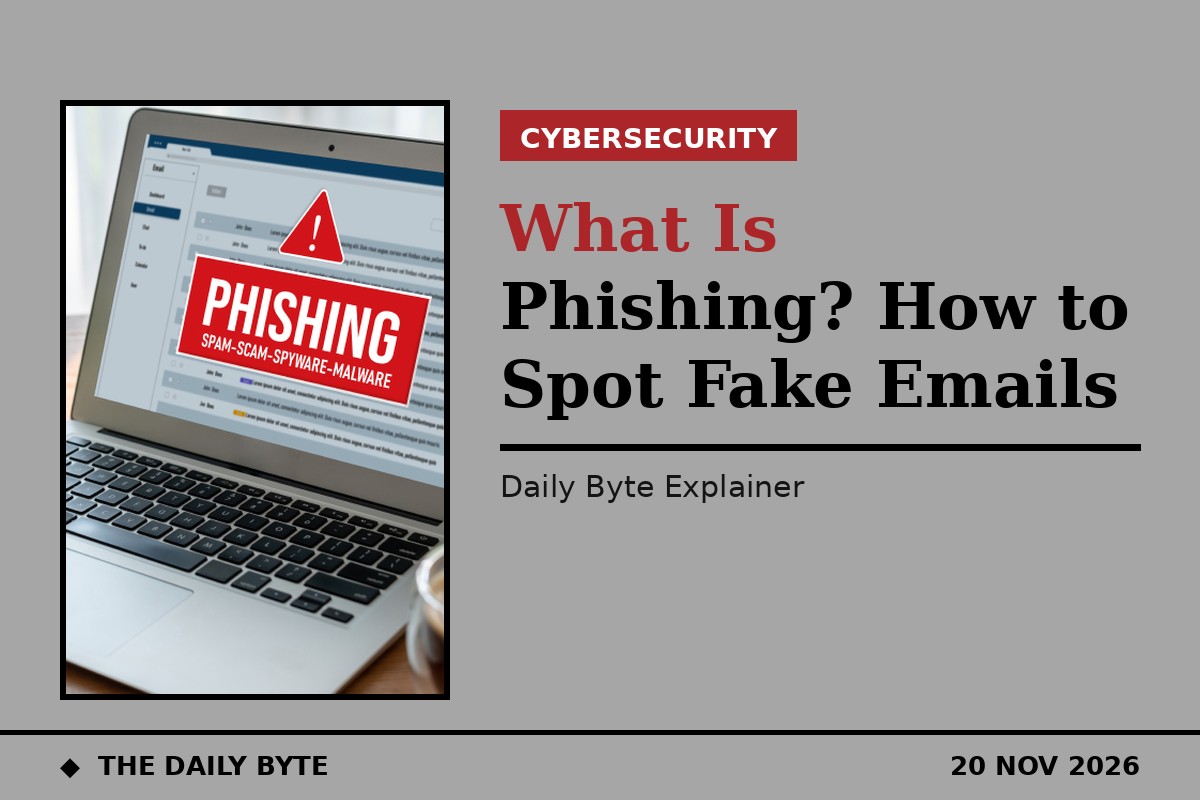
Phishing is a scam in which criminals send fake emails, texts or calls pretending to be a trusted organisation, in order to trick you into handing over passwords, bank details or money, or into clicking a link to a harmful website. The name is a play on "fishing": the criminal casts out a tempting lure, such as a fake delivery notice or a warning that your account will be closed, and waits for someone to bite. Phishing is one of the most common ways criminals first get into people's accounts and devices, according to the UK's National Cyber Security Centre (NCSC), and it is the reason so many scam messages land in inboxes every day.
Most phishing arrives by email, which is why the term is mainly used for email attacks, but the same trick is used by text message, on social media and by phone. Criminals send these messages to millions of people at a time, and they only need a small number to respond. The messages often look convincing, using copied logos, familiar layouts and details gathered from social media, and the NCSC warns that spotting a phishing email is becoming increasingly difficult, and that even careful users can be tricked. Knowing the warning signs, and knowing what to do when a message feels wrong, is the best defence.
How does a phishing attack work?
A typical phishing attack follows the same pattern. First, the criminal sends a message that appears to come from an organisation you trust, such as your bank, a delivery company, a government department or an online shop. The message creates a reason to act quickly: a parcel is waiting, a payment has failed, your password has expired, or you have been a victim of fraud and must act immediately.
Second, the message asks you to do "the wrong thing", in the NCSC's words. That usually means clicking a link to a fake website that looks like the real one, opening an attachment that hides malicious software, or replying with sensitive information such as bank details or a login code. On the fake website, anything you type, including your username, password and card details, goes straight to the criminal. Some phishing emails also contain viruses disguised as harmless attachments.
Third, the criminal uses what they have stolen. That can mean draining a bank account, taking over an email or social media account, or using the stolen details to target you again with an even more convincing message. Because criminals often reuse stolen passwords on other services, a single successful phishing attack can open the door to several accounts at once.
The main types of phishing
Ordinary phishing is a mass attack: the same generic message is sent to huge numbers of people, and the criminal hopes a few will respond. The message is often addressed to "valued customer" or "friend", because the sender does not actually know who you are.
Spear phishing is the targeted version. The criminal researches one person or one organisation, using information from social media, company websites or earlier data breaches, and writes a message that looks personal. It might appear to come from a colleague, a supplier or a boss, and it might refer to a real project or a real invoice. Because it is tailored, it is much harder to spot.
Whaling is spear phishing aimed at a senior person, such as a company director or finance manager, usually to authorise a large payment or hand over sensitive data. A related trick is the fake payment-change email: a message that appears to come from a supplier or a senior colleague saying bank details have changed, or asking for an urgent transfer. The safe rule, set out by the NCSC and the Stop! Think Fraud campaign, is never to change payment details or make an unusual payment on the basis of an email alone. Call the person or company back on a number you already have, from a previous invoice or their official website, never a number given in the email.
Phishing also travels by text message, where it is sometimes called smishing, and by phone call, known as vishing. A text might claim a parcel fee is due or a bank account is locked, while a call might pretend to be from a bank's fraud team. Criminals can also exploit current events, such as tax deadlines, big sales or major news stories, to make a scam seem relevant and urgent.
Warning signs of a phishing email
No single sign proves an email is a scam, but the NCSC and Action Fraud list a consistent set of warning signs, and each one is a reason to slow down. The first is the sender's address. Look at the actual email address, not just the display name. Criminals use addresses that look similar to a real one, with an extra letter, a different ending, or a free email service, and they may try to mimic someone you know.
The second is urgency or pressure. Messages that say "act now", "send these details within 24 hours" or "your account will be closed" are designed to stop you thinking. Genuine organisations rarely need you to act within minutes, and a bank will never ask you to supply personal information by email or ask you to confirm your bank details over the phone.
The third is a generic greeting. "Dear valued customer" or "Dear friend" can mean the sender does not actually know who you are. The fourth is an unexpected attachment, especially an invoice, a "document" or a delivery note you were not expecting. The fifth is a link to an unfamiliar website: hover over a link on a computer, or press and hold it on a phone, to preview where it really goes before you tap.
Other signs include a request for personal or login details, logos or design that feel slightly off, and spelling and grammar mistakes. Poor spelling used to be a reliable giveaway, but criminals now use artificial intelligence to write polished messages, so clean spelling no longer means a message is genuine. Action Fraud also lists the tricks criminals use to gain trust quickly: authority, by pretending to be an official body; emotion, by making you panic, hopeful or curious; scarcity, by offering something in short supply; and current events, by tying the message to news you are already seeing.
How to check a suspicious message safely
If something feels wrong, the official advice is simple: stop, and do not click links, open attachments, reply, or call any number in the message. Instead, contact the organisation directly using details you know are correct, such as their official website, a bill, or the number on the back of your bank card. For banks, you can call 159, which connects to many UK banks' fraud lines. Then go to the website yourself by typing the address or using a bookmark, rather than following a link, and sign in there to see whether there really is a problem with your account.
Never enter a password, bank details or a one-time code on a page you reached from an email link. If a message claims there is a problem with an account, the real account will show it when you sign in directly. The same check works for delivery messages: go to the courier's official site or app and track the parcel there, instead of tapping the link in the text.
What to do if you clicked or replied
The most important thing is not to panic. If you clicked a link, close the page and do not enter any details. If you entered a password, change it immediately on the real website, and change it anywhere else you used the same password. If you entered bank or card details, contact your bank straight away on a number you trust, such as 159, and ask them to watch or block the account. Keep your software and apps updated, and use strong, unique passwords for each account so that one stolen password cannot open the rest.
If you think money has been taken, or you have been the victim of a crime, report it to Action Fraud, the UK's national fraud and cybercrime reporting centre. You can also report the message itself so that others are protected.
How to report phishing in the UK
If you receive a suspicious email, forward it to the NCSC's Suspicious Email Reporting Service at report@phishing.gov.uk before you delete it. The NCSC analyses the email and any websites it links to, and if it finds malicious activity it may seek to block the sender's address. The NCSC says it acts on every message it receives, although it cannot tell you the outcome of its review.
If you receive a suspicious text message, forward it to 7726, which is free. For phone calls, hang up and contact the organisation directly on a number you already have. Reporting takes a minute, and it helps the NCSC and Action Fraud spot new scams early and warn other people about them.
Frequently asked questions
What is phishing in simple terms? Phishing is a scam message, usually an email, that pretends to come from a trusted organisation and tries to trick you into clicking a bad link, opening a harmful attachment, or giving away passwords, bank details or money.
Can a phishing email infect my computer if I only open it? Simply opening an email is very unlikely to cause harm on its own. The danger comes from clicking links, opening attachments or entering details on a linked website, so do none of those things if a message looks suspicious.
How can I tell if an email is really from my bank? Check the sender's actual email address, not just the display name, and look for urgency or a request for personal details. Banks will never ask you to confirm bank details by email or phone. When in doubt, call the bank on 159 or the number on your card, and sign in through the official app or website.
What should I do with a phishing email? Do not click anything in it. Forward it to report@phishing.gov.uk, then delete it. Forward suspicious texts to 7726.
Are phishing emails illegal? Yes. Phishing is fraud, and it is a criminal offence in the UK. That is why it should be reported to Action Fraud as well as to the NCSC.
Sources: National Cyber Security Centre, phishing guidance; Action Fraud, phishing; Report Fraud, phishing checklist.