Google Antigravity Agent Tests Apps in Browser
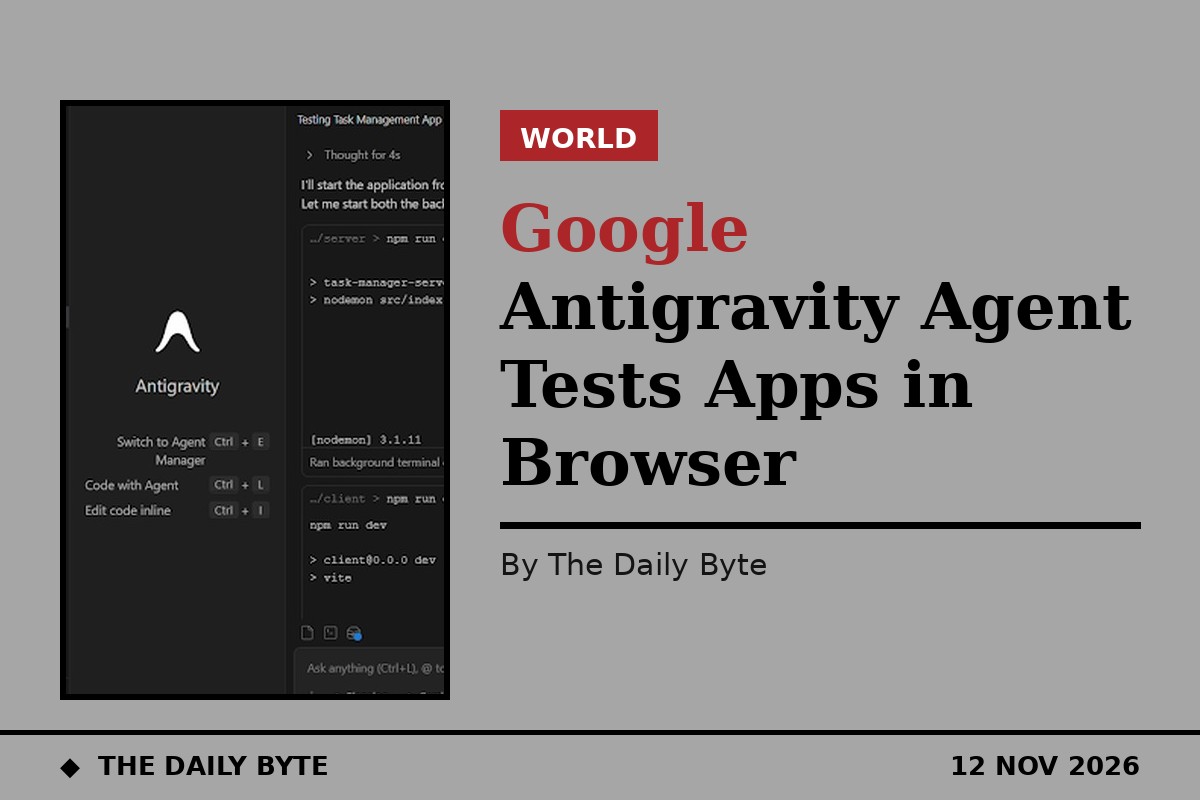
Google's Antigravity coding agent can now open a browser of its own to test the software it has just written, closing the loop between writing code and checking it works.
The built-in Browser Use feature rolled out on 11 November in the Antigravity desktop app, a day after Google previewed multi-agent working in the tool. Developers can describe what to check in plain language, or use the /browser command, and the main agent hands the job to a browser subagent running inside the app.
What the browser subagent checks
The subagent can open a running app on localhost, click through pages and forms, test responsive layouts, read console errors and failed network requests, and take screenshots. It can then verify a fix before the agent reports the task done. Several browser subagents can run at the same time, each in its own tab and context window, and they run on a Gemini Flash model by default to save higher-tier quota.
Limits and safeguards
Google says downloads pause until the user approves them, and users choose what the browser signs into. The built-in browser is available from app version 2.30.0 for personal Google accounts, including Free, Plus, AI Pro and AI Ultra plans. Business and enterprise accounts, Remote Agents and SSH workspaces do not get it yet; in the Antigravity command-line tool, /browser instead drives the user's own Chrome 144 or newer through the Chrome DevTools MCP server.
The change matters because AI coding tools have often written code they never ran. As one roundup of the launch put it, Antigravity now researches, writes code and verifies it live in the same workflow.