Rhino 9 explained: AI, Grasshopper 2 and what it costs
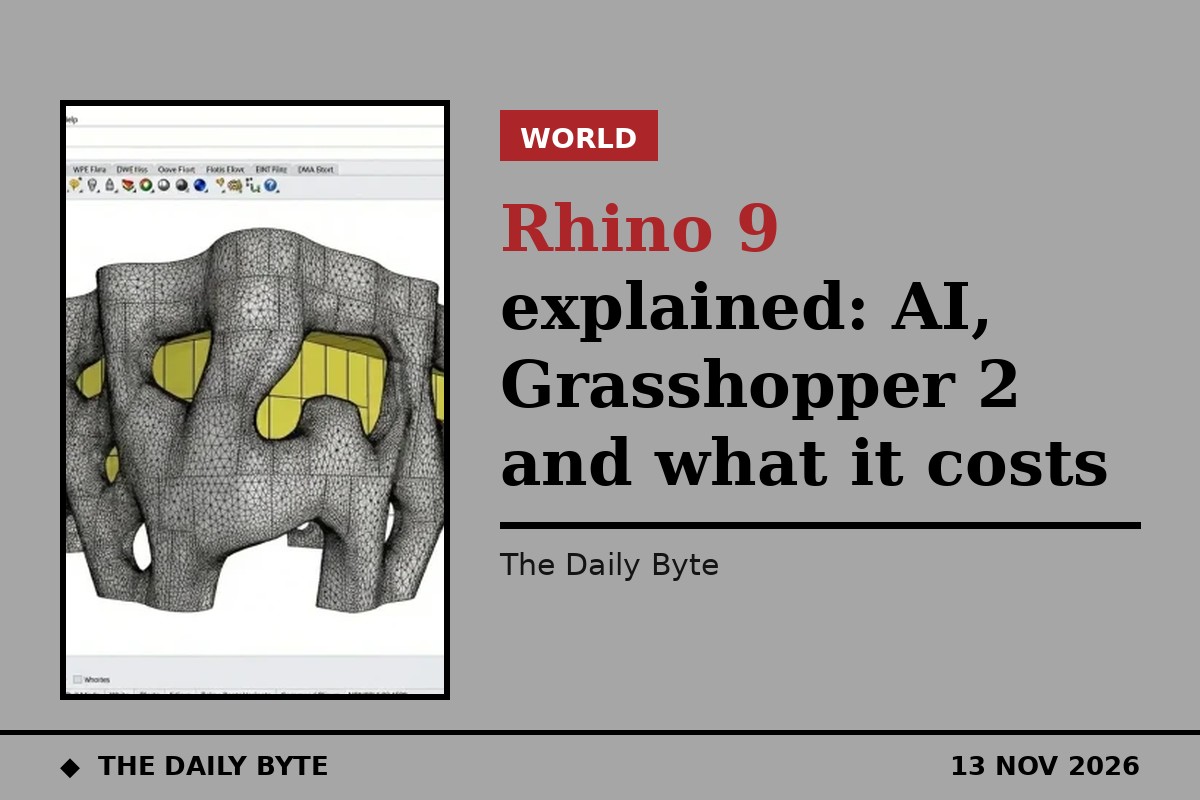
Rhino 9 is the new version of the 3D modelling software used by architects, product designers and engineers around the world. It arrived in late October 2026, and a report from AEC Magazine on 12 November has now filled in the detail of its most talked-about feature: an open bridge that connects an AI assistant to a live Rhino document, without McNeel supplying the assistant itself.
That design choice is what makes Rhino 9 worth explaining. Most software companies launching AI features in 2026 sell you their own model, on their own subscription. McNeel, the company behind Rhino, has done the opposite. It built the connection, published it under a permissive open-source licence, and left the choice of model, and the bill for it, to the user.
What is Rhino 9?
Rhino, short for Rhinoceros 3D, is a modeller for freeform shapes: the curved facades, pavilions and products that are hard to draw in conventional CAD software. Architects use it for concept design and complex geometry, and it has a large following in computational design, where designers write rules and scripts instead of drawing every line by hand.
Rhino 9 is the first major release since Rhino 8. The first release build is dated 27 October 2026, with the wider release following on 28 October, just after Rhino World 2026, McNeel's user event held from 21 to 23 October near Barcelona with about 330 attendees. McNeel counts more than 100 new features, grouped into thirteen areas, covering modelling, drafting, display and the development platform.
A large part of the release is about drawings. Architects have long complained that Rhino was strong at modelling and weak at producing the drawings a building actually gets built from. Rhino 9 answers that with document section styles, 58 new hatch patterns including concrete, rubble and stone, non-rectangular details, layout groups, markups and drafting symbols. There is also a new Concept display mode for presenting massing models cleanly, and a Direct3D display path on Windows for faster graphics.
What is Grasshopper 2?
Grasshopper is Rhino's visual programming environment, where designers connect components on a canvas to build parametric models. Grasshopper 2, which ships with Rhino 9, is a ground-up rewrite by David Rutten, who created the original Grasshopper. It has a new solver, a new data model and a new interface.
It opens with the GH2 command and installs alongside Grasshopper 1, so existing definitions keep working and both versions can run at the same time. That matters, because the change is not a painless upgrade. Grasshopper 1 plugins do not load in Grasshopper 2, every plugin needs a new version, and the software kit for building them is still evolving. Grasshopper 2 can open older .gh files and upgrade their components, but the conversion is not perfect, and some definitions will need rebuilding by hand.
That is where the AI tooling comes in. RhinoAI adds tools that can rebuild Grasshopper 1 definitions in Grasshopper 2, which is likely to be one of its most used jobs in practice, even if it is not the most glamorous.
What is RhinoAI?
RhinoAI is McNeel's own plugin for connecting Rhino and Grasshopper to AI assistants. It was announced on 30 September 2026 and ships inside Rhino 9 by default; Rhino 8 users can install it from the Package Manager. It is free and open source, published on McNeel's GitHub under an MIT licence.
The core of it is a bridge built on the Model Context Protocol, or MCP, the open standard that lets an AI assistant use external tools. The bridge was built by one McNeel developer, Callum Sykes, using Claude Code, and the repository shows more than 900 commits on its Rhino 9 branch. It connects an assistant to your open Rhino and Grasshopper document, and the assistant can be Claude, Codex, GitHub Copilot, Gemini CLI or a model running on your own machine.
The key sentence in McNeel's own description is that the assistant “can only use the tools you allow”. You choose what it can reach, from read-only inspection up to full control of the model. Inside Rhino, an AI panel opened with the AI command sits beside the model, works with your selection and what is on screen, runs scripts and commands, and can save a prompt that worked as a reusable command with its own icon.
Bring your own model
Here is the part that sets McNeel apart from its rivals. The company supplies the bridge and no model. You bring your own assistant, you pay for it, and you pick the tools it can use. There is no McNeel AI subscription, no usage meter and no lock-in to a single provider. If you already pay for Claude or Copilot, you use that. If your firm will only run a model on its own machines, you can do that too.
That is a deliberate answer to a real worry in architecture and engineering. Design files are a firm's crown jewels, and sending them to a third-party AI service is a decision many practices will not take lightly. By keeping the model outside the product, McNeel lets each firm make its own call on data, cost and control, instead of making it for them.
It is also honest about the limits. McNeel says the tool is fast at the first eighty percent of a task and still needs a human for the rest, and independent testers note that AI assistants know Grasshopper 2 less well than the original, simply because the new version has less training material behind it. A prompt that builds a facade in Grasshopper 1 may need more guidance in Grasshopper 2.
What does Rhino 9 cost?
Rhino is still sold as a perpetual licence, not a subscription. A new commercial licence costs $995, and existing users can upgrade for $595, or $395 while the launch promotion runs. There is a free 90-day evaluation, and support and service releases are included.
That pricing is part of the story. In a year when most design software has moved to subscriptions, McNeel has kept the one-time purchase, and RhinoAI costs nothing on top of it. The AI bill, if there is one, goes to whichever assistant provider you choose.
There are system requirements to check first. Rhino 9 needs Windows 11 or an Apple Silicon Mac; Windows 10 and older systems are not supported, and not every plugin supports the new version yet. Intel Macs are out, and creating commands from prompts needs Rhino 9 rather than Rhino 8.
Should you upgrade now?
For most users, the honest answer is that it depends on how much you rely on Grasshopper plugins. If your work is mostly modelling and drafting, Rhino 9's drawing tools alone are a strong reason to move. If your practice runs on a stack of Grasshopper 1 plugins, wait until the ones you depend on have Grasshopper 2 versions, and test the upgrade on a copy of a real project first.
For firms curious about AI in design, Rhino 9 is the most open experiment available from a major CAD vendor: a free, open-source bridge, your choice of model, and your choice of what it is allowed to touch. That is a very different offer from a black-box AI button, and it is why this release is being watched beyond the architecture world. Full detail on the release is available from HowToRhino and Construction Industry AI.