Windows 11 November Update Adds Cloud Rebuild
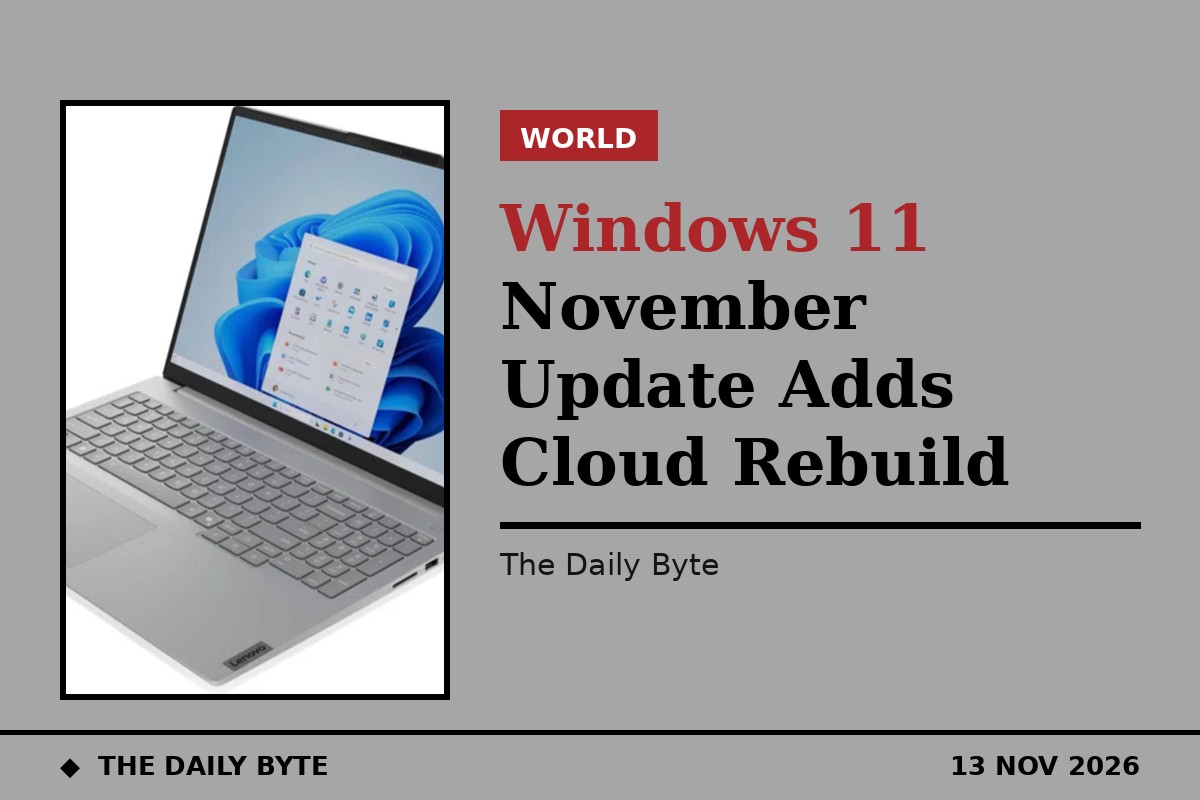
Microsoft has released its November 2026 update for Windows 11, adding a customisable File Explorer menu, a new cloud-based way to rebuild a broken PC and a set of accessibility improvements. The update, KB5132061, was published on 10 November 2026 and is reaching PCs in phases, so not every device will see the new features on the same day.
Microsoft describes the release as a security update for Windows 11 versions 26H2, 25H2 and 24H2, taking devices to builds 26300.9974, 26200.9974 and 26100.9974. Its support page lists security improvements alongside fixes for USB audio devices, printing and Remote Desktop connections, and stronger signing for NTLM and PowerShell scripts.
File Explorer gets a customisable right-click menu
The most visible change is in File Explorer. The right-click menu now opens faster and shows fewer unnecessary options, and users can choose which shortcuts and app entries appear. A new Customise option lets people switch built-in commands on or off and decide which third-party app extensions sit in the main menu.
Search results in File Explorer are also shown in a more consistent layout, with file names, locations and dates easier to scan, and the address bar now accepts the tilde (~) symbol as a shortcut to a user profile folder and its subfolders.
Cloud Rebuild reinstalls Windows without a USB stick
The headline feature is Cloud Rebuild. If a PC needs a fresh start, Windows 11 can now download a clean copy of itself, along with the right device drivers, directly from Windows Update. That removes the need for a USB installer or a recovery file saved on the PC.
On a working computer, the option sits under Settings, then System, then Recovery, where users select Rebuild PC. If Windows fails to start repeatedly, the same option is available from the Windows Recovery Environment. Microsoft warns that the data sanitisation step is irreversible, so files should be backed up before it is used.
Accessibility improvements and a quicker Edge
Microsoft Edge should now open more quickly and reliably, even when other tasks are running in the background. In Xbox mode, a new task view makes it easier to return to the desktop or shut the PC down.
The Magnifier tool has been improved for people with low vision, particularly those using more than one display. Users can switch contrast themes on the fly, set a different zoom level for each monitor and freeze the magnified view on one screen while working on the other. Narrator has also gained better support for reading mathematical equations, and Live Captions can now include screen reader audio.
Some PCs hit an installation problem
Not every part of the rollout has gone smoothly. On 11 November, Microsoft added a known issue to the update's support page, saying the November security update might fail to install on some devices. Affected PCs may repeatedly attempt the installation or show error codes 0x80070306, 0x800f0989 or 0x800f0993.
Microsoft said a repair began rolling out automatically from 10am Pacific time on 11 November, and that affected devices should receive it within 24 to 48 hours, with no manual action needed. Once repaired, devices should download and install the update through Windows Update as normal.
Microsoft also confirmed there will be no non-security preview update in December 2026, with normal monthly servicing resuming in January 2027. For most users, the November update will simply arrive through Windows Update, and its new features will appear as the phased rollout reaches their device.