UK eVisa explained: what it is and how it works
A UK eVisa is a digital record of your immigration status. It is not a card, a stamp or a piece of paper: it is the online record held by the Home Office that shows what permission you have to be in the UK, what type of visa you hold, and what you are allowed to do, such as work, study or rent a home. You get an eVisa when you successfully apply for a visa or another type of permission to be in the UK.
The eVisa has replaced the physical biometric residence permit (BRP) as the way most people prove their immigration status. If you have a BRP, an eVisa, or you are applying for a visa now, this guide explains what an eVisa is, how to access it, how to prove your status with a share code, and what to do before you travel. Immigration rules change, so always check the official GOV.UK page before you act: this guide explains the system, it is not personal immigration advice.
What an eVisa is
An eVisa is a digital record of your identity and your immigration status. It records the type of visa you have, or whether you have indefinite leave to remain (settlement) in the UK, together with the conditions attached to your permission: whether you can work, what kind of work you can do, whether you can study, and whether you can claim public funds.
The important point is that an eVisa is not a new visa or a new status. It is the digital evidence of a permission that already exists. The physical BRP, where one was ever issued, was the evidence for that same permission; the eVisa now performs the same evidential role, but digitally and without an expiry date tied to a card. For new applicants granted leave in 2026, the eVisa is generated automatically once the application is granted, and no physical document is sent.
The Home Office moved to the eVisa for three reasons set out on GOV.UK: to reduce the cost and security risk of physical cards, to align UK immigration with the wider rollout of electronic travel authorisations, and to make right-to-work, right-to-rent and border checks faster.
What happened to biometric residence permits
Physical biometric residence permits are no longer issued. Most BRPs carried an expiry date of 31 December 2024, even where the holder's permission lasted longer, and the Home Office asked holders to create a UKVI account and access their eVisa instead.
If you still hold an expired BRP, GOV.UK says you can use it for 24 months after the expiry date printed on the card, or until 31 December 2026, whichever comes first, when setting up your UKVI account. After that, the card itself is of no use: your status lives in your eVisa. If you have not yet created a UKVI account, do it as soon as you can, and do not leave it until you need to travel or start a new job.
How to access your eVisa
You need a UK Visas and Immigration (UKVI) account to access your eVisa. The account is free to create, and you will need a phone number and an email address that you can use each time you sign in.
To create an account, go to the GOV.UK eVisa page and choose the option to get access to your online immigration status. You will be asked to confirm your identity and link your account to your eVisa, using your passport or travel document details. You can usually access your eVisa straight away once it has been linked to your UKVI account, but GOV.UK says it can take up to 24 hours.
If you did not link your account to your eVisa when you created it, you can link it afterwards. People who have permission to stay in the UK for longer than six months can access an eVisa. You cannot access an eVisa if you hold a visa for less than six months, such as a visit visa, unless you are a visa national who applied for a visitor visa on or after 25 February 2026.
Keep the details in your UKVI account up to date. The eVisa is linked to the passport or travel document you travel on, so if you get a new passport, update your UKVI account with the new details before you travel. If the passport linked to your eVisa is not the one you present at the border, you may face delays or be refused boarding.
Proving your status with a share code
The share code is how you prove your immigration status to other people. You view your eVisa and generate a share code through the GOV.UK view-and-prove service, then give the code and your date of birth to the person who needs to check your status. They use the code to see the relevant details of your permission. You do not need to show them your eVisa itself.
Share codes are used for the checks that govern everyday life in the UK. Employers use them for right-to-work checks when you start a new job. Landlords in England use them for right-to-rent checks. Universities use them for right-to-study checks, and for a university check you should select the "Other" purpose when generating the code. Airlines also check your status before boarding, and UK Border Force checks it on arrival.
A share code lasts for 90 days. You can use it as many times as you need before it expires, and you can generate a new share code whenever you need one. When you generate a code, GOV.UK tells you what the person checking it will be able to see. If a code has expired, simply generate a fresh one; there is no limit on how many you can create.
Never share your UKVI account sign-in details with anyone. Only share the share code itself, and only with the employer, landlord, university or official who needs to check your status.
Travelling with an eVisa
You can travel with your eVisa after you add your passport or travel document details to your UKVI account. Before you travel, check three things: that your eVisa is visible in your UKVI account, that it shows the correct visa type and expiry date, and that the passport linked to it is the one you will travel on.
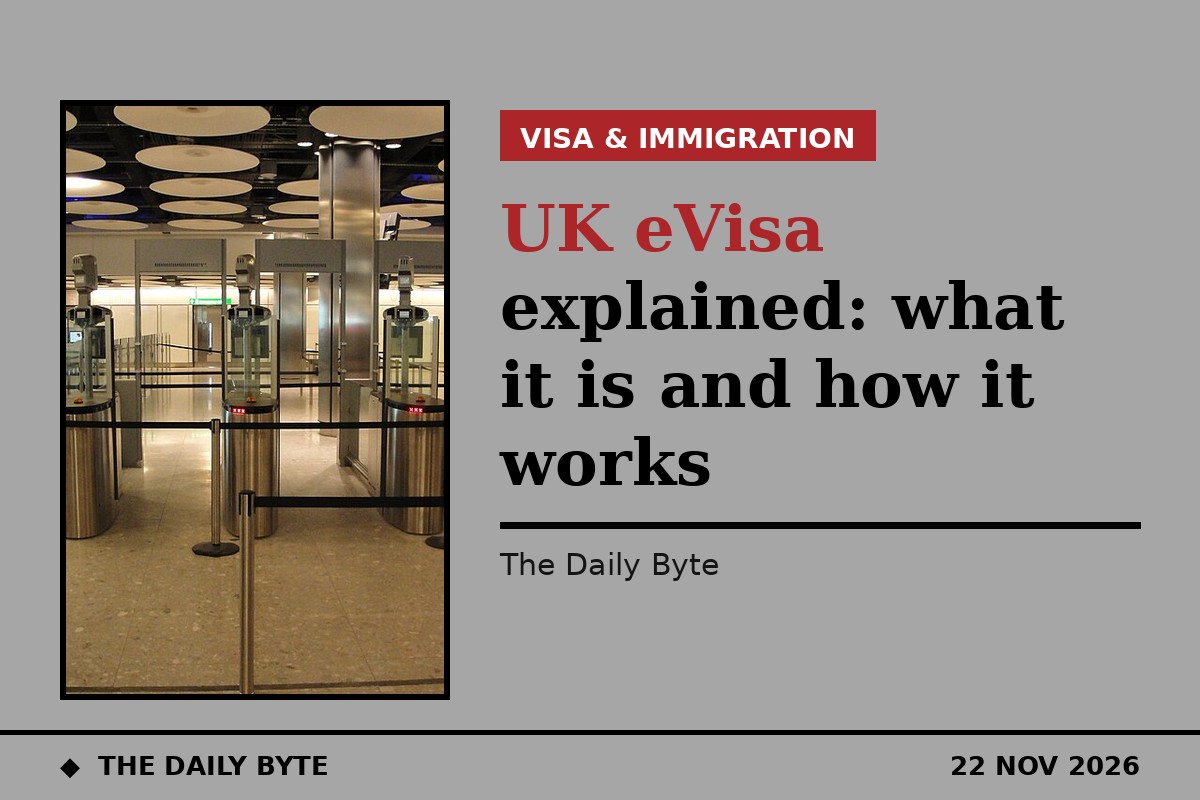
At the airport, the airline will check your immigration status before you board, using the eVisa linked to your passport. On arrival in the UK, Border Force will do the same. Carry your passport, and keep your UKVI account details somewhere safe in case you need to show your status while you are away.
If you are outside the UK and your eVisa is not showing, or the details are wrong, sort it out before you travel. GOV.UK offers webchat support for eVisa and UKVI account queries, and there are eVisa support videos on the official pages. Do not travel on the assumption that a problem will be fixed at the border.
What an eVisa is not
An eVisa does not change your immigration status, extend your visa, or give you new rights. It is only the record of the permission you already hold. If your visa expires, your eVisa will show that it has expired; the digital record does not keep you in the UK any longer than the permission itself does.
An eVisa is also not a travel document. You still need a valid passport or travel document to travel. And an eVisa is not the same as settled status or indefinite leave to remain, although people with those statuses also have eVisas recording them. If you have indefinite leave to remain and have never had a BRP, you need to make a free "no time limit" application to get an eVisa.
From 25 February 2026, people applying from outside the UK who meet the conditions for exemption from immigration control receive a Digital Record of Exemption instead of a physical exempt vignette. From 26 February 2026, anyone holding a valid Certificate of Entitlement to the Right of Abode automatically receives a digital certificate and is invited by email to create a UKVI account. These are separate digital records, not eVisas, but they work in the same way.
Frequently asked questions
Do I need to apply for an eVisa? No, not separately. You get an eVisa when you successfully apply for a visa or another type of permission to be in the UK. What you need to do is create a UKVI account and link it to your eVisa so you can view and prove your status.
Is an eVisa free? Yes. Creating a UKVI account and accessing your eVisa costs nothing. The Home Office and GOV.UK will never ask you to pay for an eVisa itself.
How long does a share code last? A share code lasts for 90 days. You can use it as many times as you need before it expires, and you can generate a new one whenever you need it.
What if my eVisa shows the wrong details? Check first that the passport linked to your UKVI account is your current one, and that you have linked the right account. If the details are still wrong, use the webchat support on the GOV.UK eVisa page, and do not travel until it is fixed.
Do I still need my BRP? Physical BRPs are no longer issued, and your eVisa is now the record of your status. You can use an expired BRP to set up your UKVI account for 24 months after the expiry date printed on the card, or until 31 December 2026, whichever comes first.
Can I use my eVisa to prove my right to work? Yes. Generate a share code through the GOV.UK view-and-prove service and give it, with your date of birth, to your employer. They check it through the Home Office employer checking service.
Immigration rules change. Before you travel, start a job or sign a tenancy, check the official page: eVisas: access and use your online immigration status, GOV.UK. This guide is general information, not personal immigration advice; if your situation is complicated, consider regulated immigration advice. Sources: GOV.UK, eVisas: access and use your online immigration status and Kael Tripton, UK eVisa Explained 2026.